Introdução
This guide will show you how to replace your Lenovo ThinkBook screen.
When your screen stops working, you will want to replace it.
This guide uses an iOpener, so go here to learn how to use it properly.
Be careful not to damage your screen with the Iopener.


-
-
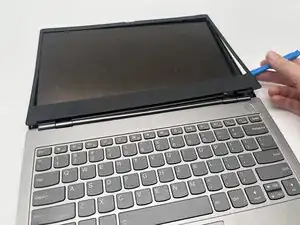
Use an opening tool to remove the bezel from around the screen.
-
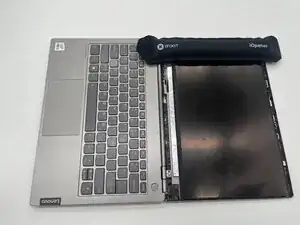
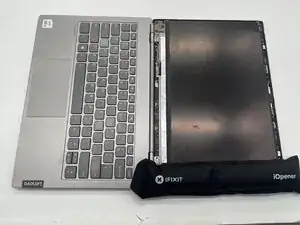
Heat an iOpener and place it on the right and left sides of the screen to loosen the adhesive securing the screen.
-
-
-
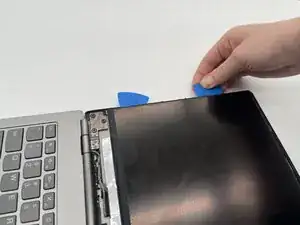
Carefully lift up the screen using the iFixit Opening Tool and the iFixit Opening Picks.
-
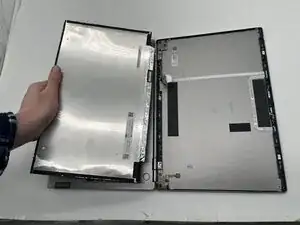
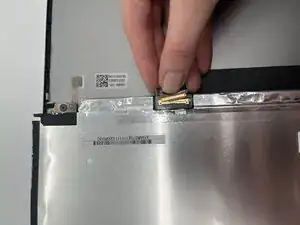
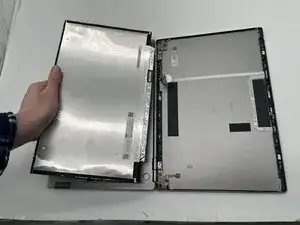
Carefully unlatch and remove the screen.
-
To reassemble your device, follow the above steps in reverse order.
Take your e-waste to an R2 or e-Stewards certified recycler.
Repair didn’t go as planned? Try some basic troubleshooting or ask our Answers community for help.