Introdução
If your Lenovo Tab 4 8 (4th gen, 8 inches) front camera isn’t working or is damaged, you can use this guide in order to replace the front-facing camera. By replacing the front-facing camera, usability and video quality can be improved. For this repair, make sure you have a steady hand to prevent harming the internal hardware. When replacing the new camera, be sure that all connections are secure otherwise, the camera and tablet may not function as desired.


-
-
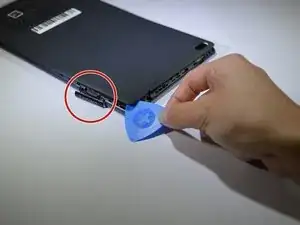
Start at the microSD slot. This is the easiest entry point.
-
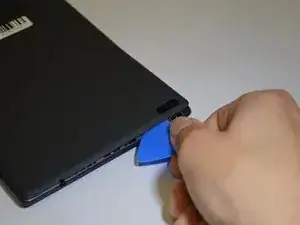
Use the opening pick gently to slide underneath the back cover of the tablet.
-
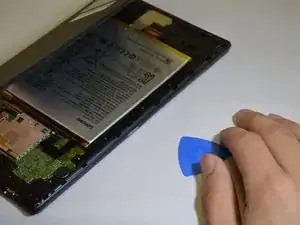
Slide the opening pick around the entire edge of the tablet. Don't force it and work slowly to release all clips.
-
Once all clips are loose, lift and remove the back cover.
-
-
-
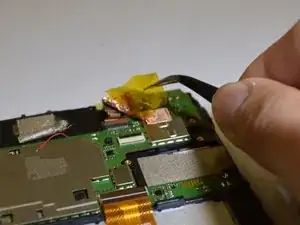
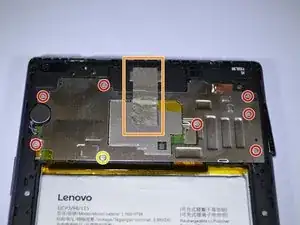
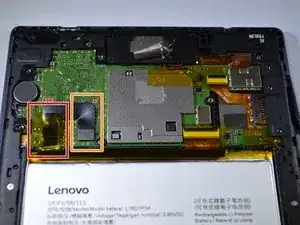
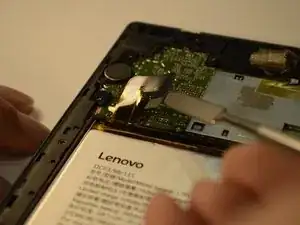
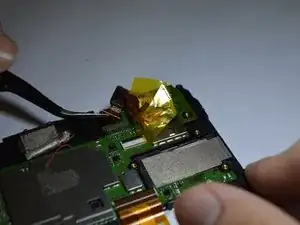
Peel back the yellow protective tape over the battery connector.
-
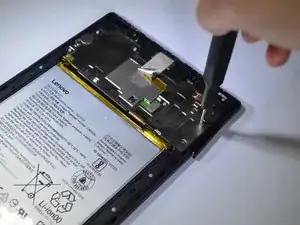
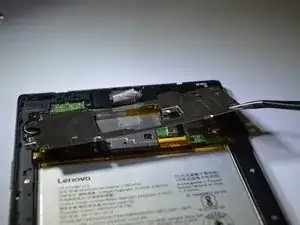
Use a spudger or plastic opening tool to remove the battery's ribbon cable from the motherboard.
-
-
-
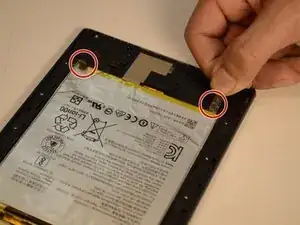
Locate the two stretch-release adhesive strips at the bottom of the battery.
-
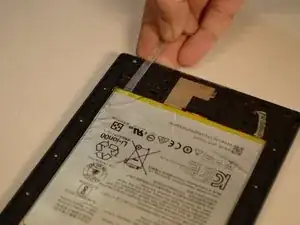
Gently pull each strip slowly and straight out under the battery.
-
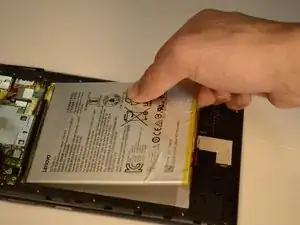
Once both strips are off, lift the battery from the frame.
-
To reassemble your device, follow these instructions in reverse order.