Introdução
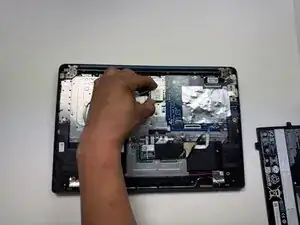
If you need to replace the Wi-Fi card for your Lenovo IdeaPad Slim 3 Chromebook 14M868, follow this guide.
Ferramentas


-
-
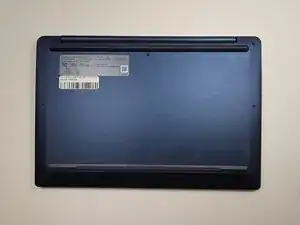
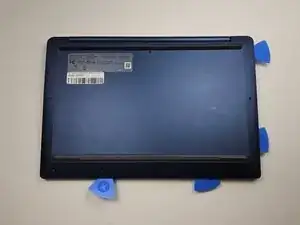
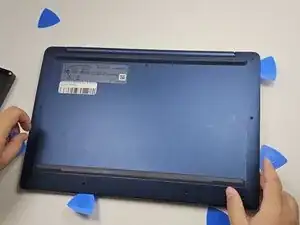
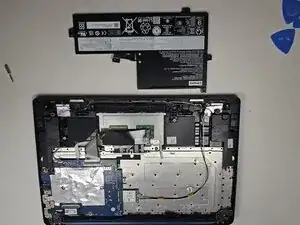
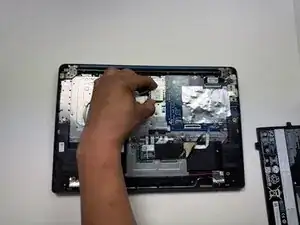
Place the device on a clean, dry workspace with the back cover facing up.
-
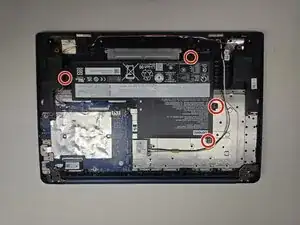
Remove the 10 Phillips screws.
-
-
-
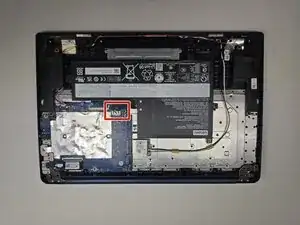
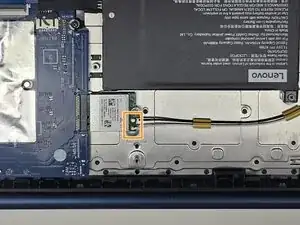
Locate connector.
-
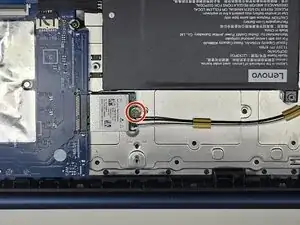
Pick up on locking tab.
-
Pull male connector, gently but firm, away from the female connector.
-
Conclusão
To reassemble your device, follow these instructions in reverse order. Take your e-waste to an R2 or e-Stewards certified recycler.