Introdução
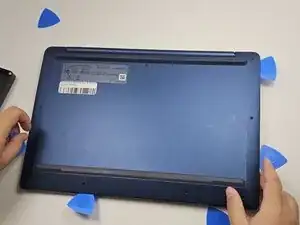
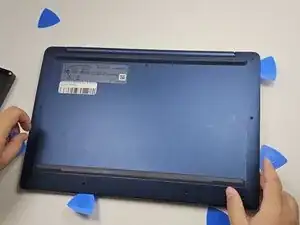
Follow this guide if you need to replace the bottom casing of your Lenovo IdeaPad Slim 3 Chromebook 14M868 or access the internal components.
Before beginning this repair, power down your Chromebook and unplug the power adapter and all of its peripherals.
Ferramentas


-
-
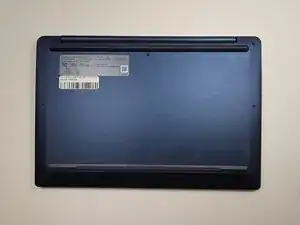
Place the device on a clean, dry workspace with the back cover facing up.
-
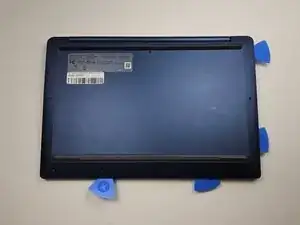
Remove the 10 Phillips screws.
-
Conclusão
To reassemble your device, follow these instructions in reverse order.