Introdução
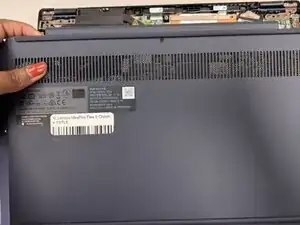
Use this guide to replace the lower case on a Lenovo IdeaPad Flex 5 Chromebook.
Ferramentas


-
-
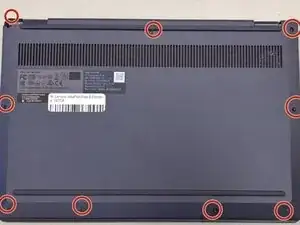
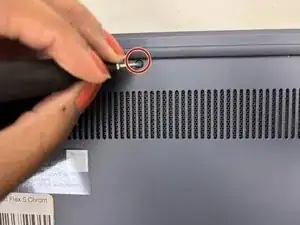
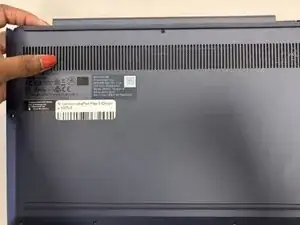
Remove the nine 6.2 mm-long screws securing the lower case with a Phillips #0 screwdriver.
-
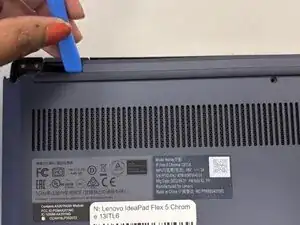
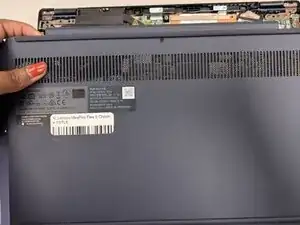
Insert an opening pick or opening tool into the seam between the lower case and chassis.
-
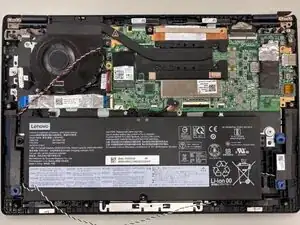
Pry around the entire perimeter until the lower case fully releases.
-
Conclusão
To reassemble your device, follow these instructions in reverse order.