Introdução
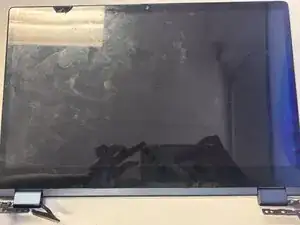
Use this guide to completely replace the Display Assembly on the Lenovo Ideapad Flex 5 Chromebook.
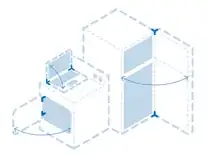
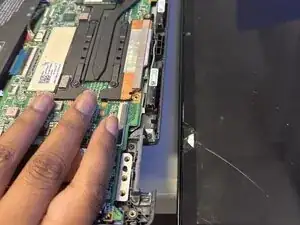
If the outer screen glass is severely cracked, the hinges are broken, or the internal display cable has failed, you will typically need to replace the entire display assembly. The display assembly includes the LCD panel, front glass, hinges, and cable. Be sure to always power off the laptop and disconnect the battery before any further disassembly.


-
-
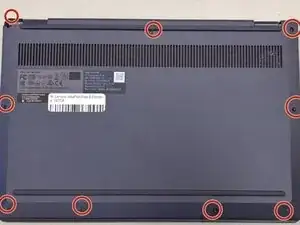
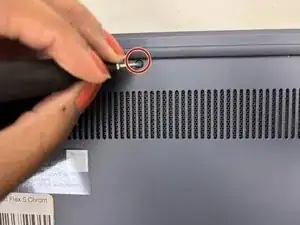
Remove the nine 6.2 mm-long screws securing the lower case with a Phillips #0 screwdriver.
-
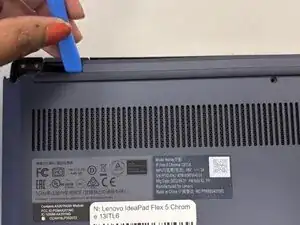
Insert an opening pick or opening tool into the seam between the lower case and chassis.
-
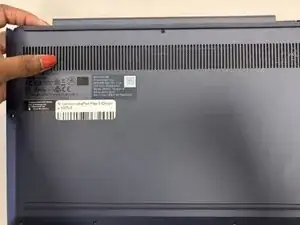
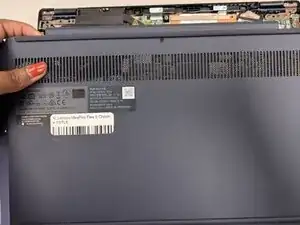
Pry around the entire perimeter until the lower case fully releases.
-
-
-
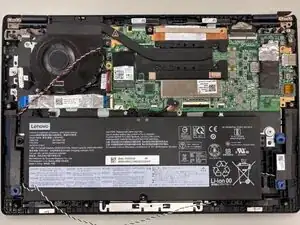
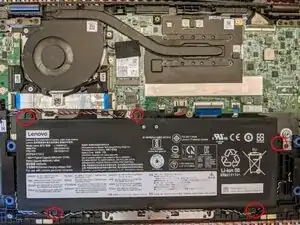
Use Phillips screwdriver to remove the five 3.2 mm-long screws securing the battery.
-
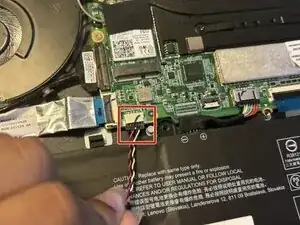
Gently unplug the battery connector with your fingers.
-
-
-
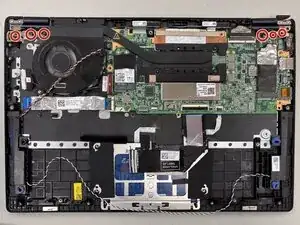
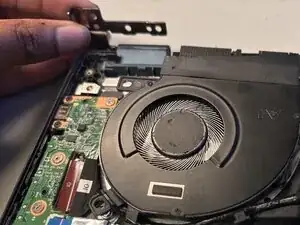
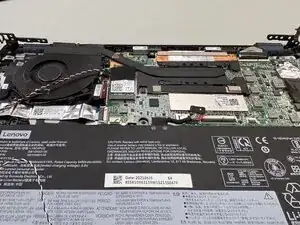
Use a Phillips #0 screwdriver to remove the six 7.7 mm-long screws securing the two display hinges.
-
-
-
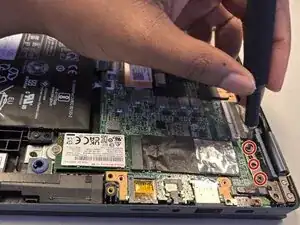
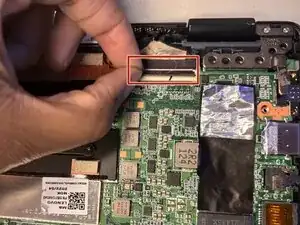
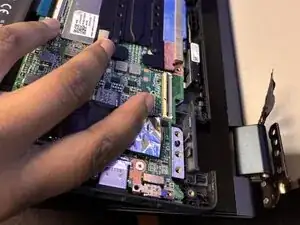
Lift up the locking flap on the cable connector with your fingers.
-
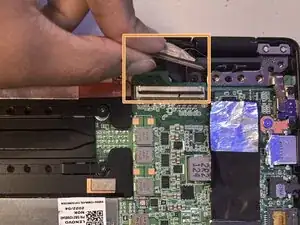
Disconnect the display cable from the connector.
-
To reassemble your device, follow the above steps in reverse order.
Take your e-waste to an R2 or e-Stewards certified recycler.
Repair didn’t go as planned? Try some basic troubleshooting or ask our Answers community for help.