Introdução
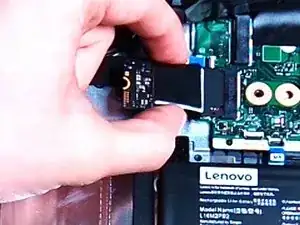
This guide will help to replace the SSD in your Lenovo IdeaPad 3-15IGL05. An SSD is a solid-state drive which is a storage device that use integrated circuits to store data persistently. Data is stored in memory cells within NAND flash chips. The SSD controller manages read/write operations and data distribution, so when your computer needs to access data, the controller quickly retrieves it from the appropriate cells. For writing data, the controller finds available cells and stores the information electronically.


-
-
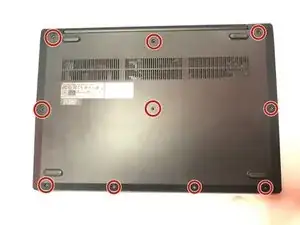
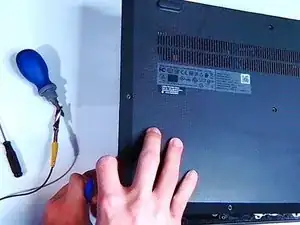
Wedge an opening tool in the gap between the bottom panel and chassis, and pry vertically around the perimeter until you hear a "pop" and the panel releases.
-
Lift the bottom panel up and off the chassis.
-
-
-
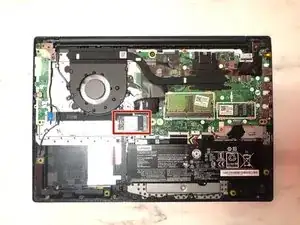
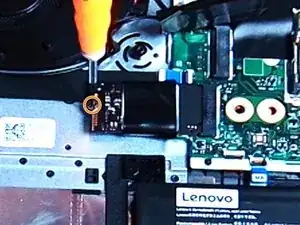
Locate the SSD at the bottom right corner of the fan.
-
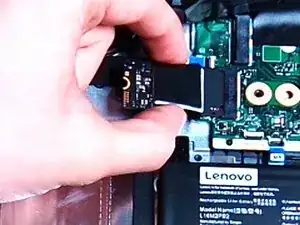
Use a Phillips #000 screwdriver to remove the single 3 mm screw securing the SSD.
-

To reassemble your device, follow these instructions in reverse order.
