Introdução
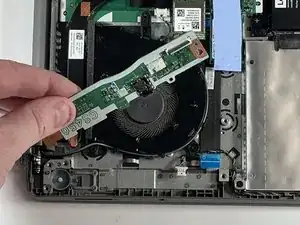
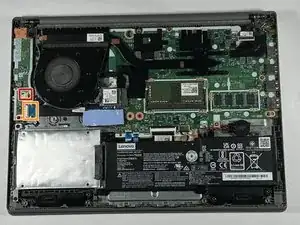
Use this guide to replace a faulty or failing I/O board in your Lenovo IdeaPad 3-1481W000NGUS.
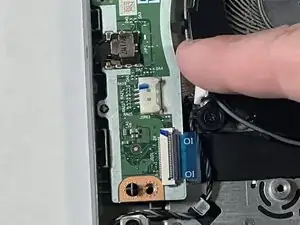
The I/O board handles the connections for the SD card and headphone jack. Internally, it also handles the reset button and power button. If SD cards are unable to be read, the audio connection is crackly or quiet, or if the computer cannot be reset or turned on, the I/O board may be at fault.
Before using this guide, make sure to review the troubleshooting page. Oftentimes, audio and connection issues can be fixed without replacing the I/O board.
Never work on an electronic device that is plugged into a power outlet. Before starting this guide, ensure that the laptop is fully powered off and that the power adapter is disconnected. Follow the steps in order as the battery must be disconnected before removing other connectors.


-
-
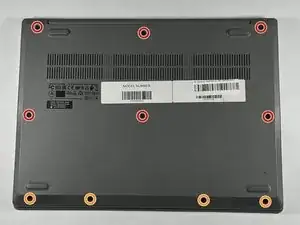
Orient the laptop so that the bottom is facing up.
-
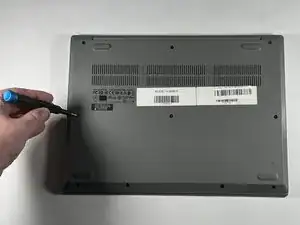
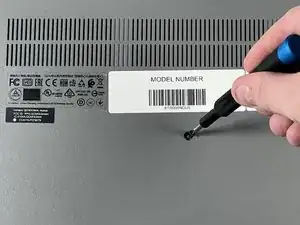
Remove the six 7 mm screws using a Phillips #00 screwdriver.
-
Remove the four 4 mm screws using a Phillips #00 screwdriver.
-
-
-
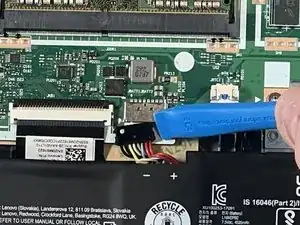
Use your fingernail or an opening tool to gently pull out and disconnect the battery pack cable.
-
-
-
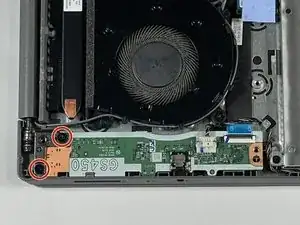
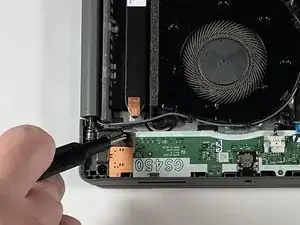
Remove the two 4 mm screws from the screen assembly hinge using a Phillips #00 screwdriver.
-
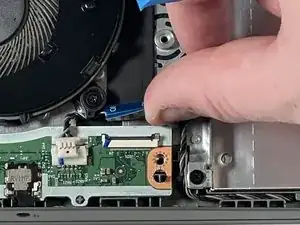
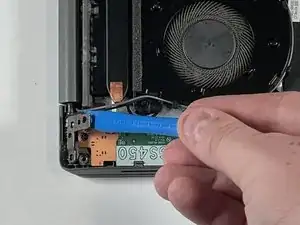
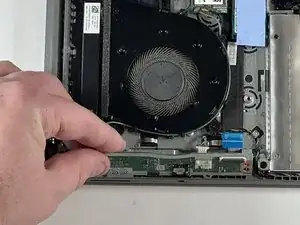
Using the opening tool, open the hinge away from the I/O board.
-
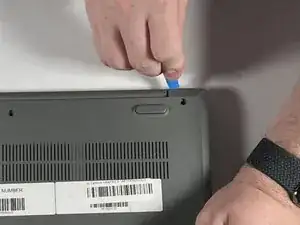
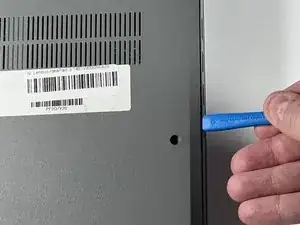
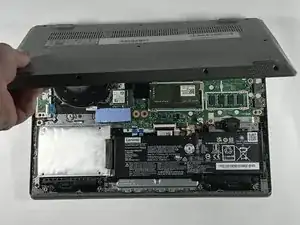
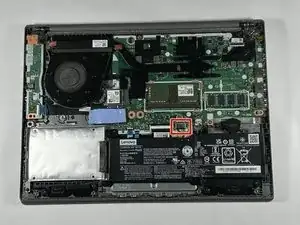
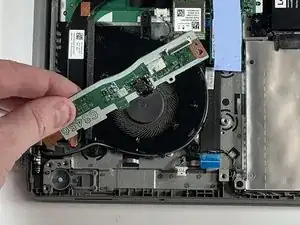
To reassemble your device, follow these instructions in reverse order.

Um comentário
Sir actually in my laptop the IO board connecting cable which has a plastic blue coloured plastic above it was broken actually I was pulling out the cable but accidentally the black plastic pin over that was this located and now my laptop has stopped working as I am unable to connect that cable so could you please help me with that I have that locking chip