Introdução
This Replacement Guide shows step by step how to replace a key cap on a Lenovo IdeaPad 3 Chrome 15IJL6.
Ferramentas

-
-
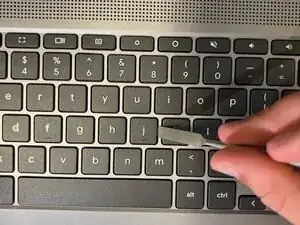
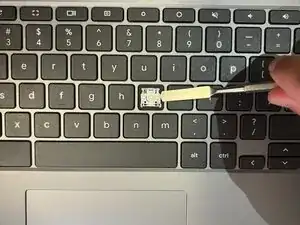
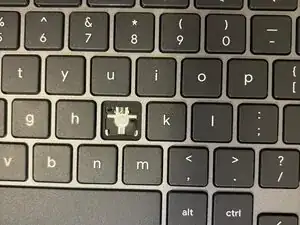
Use a spudger to slide it underneath one side of the key and gently tilt it to pop open the key.
-
Conclusão
To reassemble your device, follow these instructions in reverse order.
