Introdução
The Lenovo IdeaPad 1-15IJL7 provides you with a front-facing camera, allowing you to take high-quality photos, as well as connect with others through online messaging applications. You may experience some issues with your camera, for example, distorted imaging when photos are taken, grainy appearance when attempting to take photos, and the camera light turning on but a gray screen displays.
Before deciding to replace your webcam, check any settings that may be affecting your camera. Also, allow any external applications to access your camera. Lastly, check your privacy settings for any complications. A simple restart can also fix a minor interruption.
Ferramentas

-
-
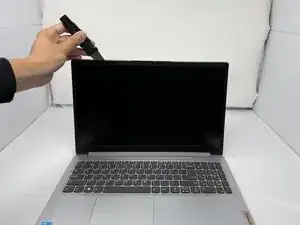
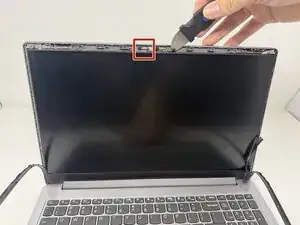
Use Jimmy to very carefully separate the LCD bezel hinge cover from the screen.
-
Use your fingernails or tweezers to gently disconnect the FFC/FPC ZIF connector from the webcam/mic module.
-
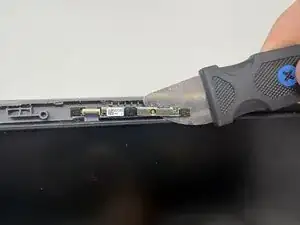
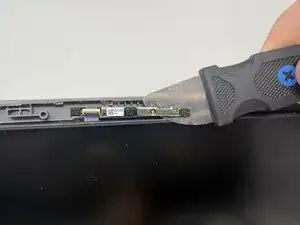
Use Jimmy to very carefully remove the webcam/mic module from the adhesive tape.
-
To reassemble your device, follow these instructions in reverse order.