Introdução
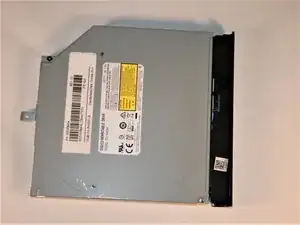
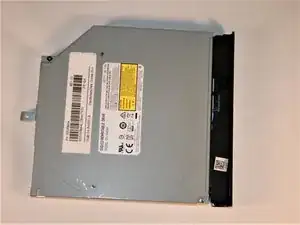
Sometimes comes the need to replace the CD drive on your Lenovo G50-80, for example if it breaks or you just want a general replacement. This guide goes over the process of replacing/removing the CD drive in your Lenovo G50-80 laptop.
Ferramentas


-
-
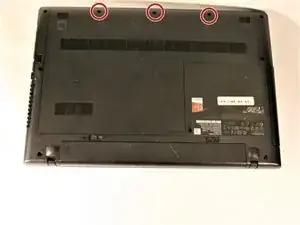
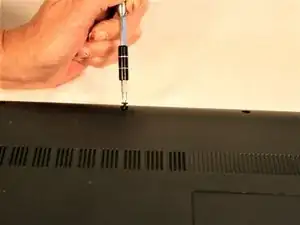
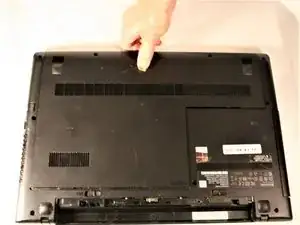
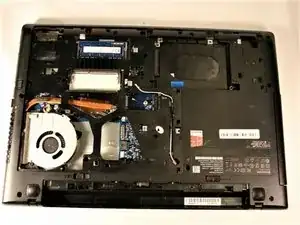
Remove the three screws securing the outer cover of the laptop using a Phillips #0 screwdriver.
-
-
-
Locate the CD drive.
-
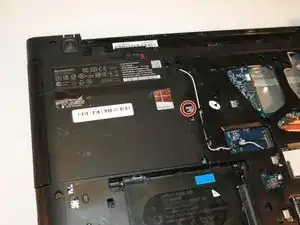
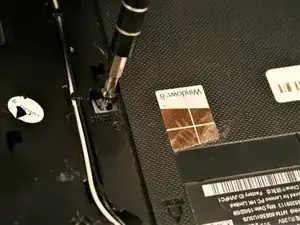
Remove the single #00 Phillips 5.5 mm screw on the centermost side of the drive.
-
-
-
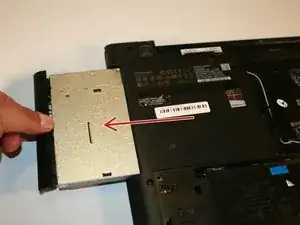
Move the drive towards the outside of the laptop to remove the connector.
-
Pull the drive out of the laptop.
-
Conclusão
To reassemble your device, follow these instructions in reverse order.
