Introdução
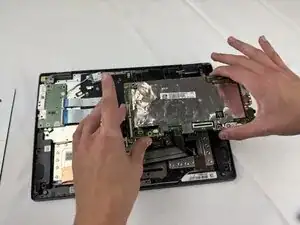
If your Lenovo 14e Chromebook motherboard is facing issues, this guide will help you replace it! This process involves disconnection of multiple internal components, so make sure to have a clean, clutter-free surface to work on. We recommend taking a look at the Troubleshooting Guide before you get started to assess if there are minor issues causing the problem before replacing the entire part.
Before moving forward, make sure you have all the listed tools, your chromebook is powered off, and unplugged.
Ferramentas


-
-
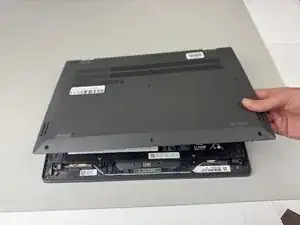
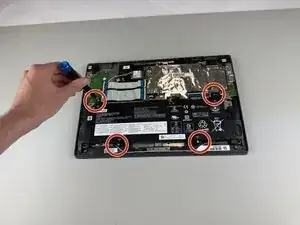
Use a Phillips #0 screwdriver to remove the four 5.5 mm screws holding the battery in place.
-
-
-
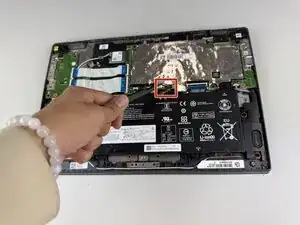
Gently disconnect the power interface using a pair of tweezers.
-
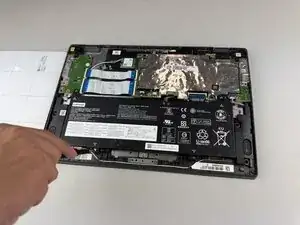
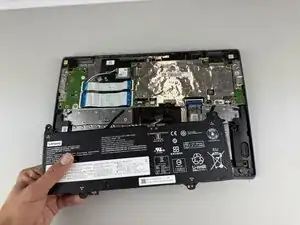
Lift the battery out of the Chromebook.
-
-
-
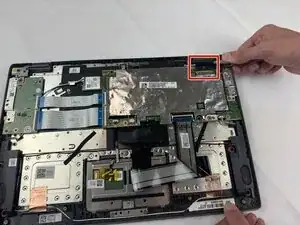
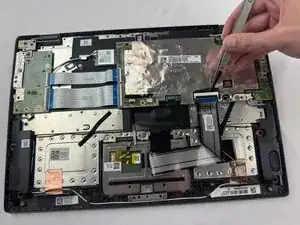
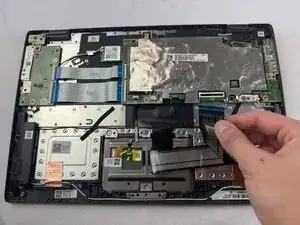
Disconnect the display cable from the top of the motherboard.
-
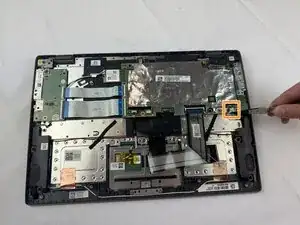
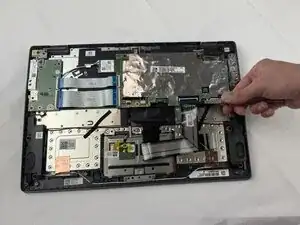
Detach the white speaker cable connector from the bottom of the motherboard.
-
-
-
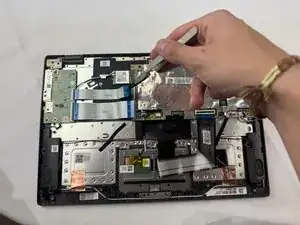
Using a Phillips #0 screwdriver, remove the 5.5mm screw holding the WLAN card in place.
-
Disconnect the two wires from the WLAN card.
-
Remove the WLAN card.
-
-
-
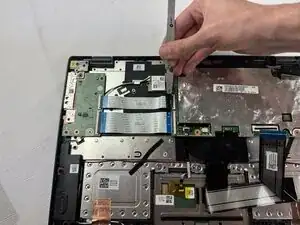
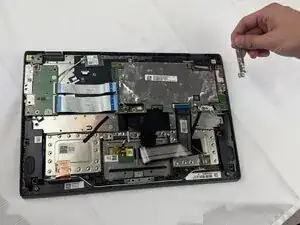
Remove the 8.3 mm screw holding the bracket in place using a Phillips #0 screwdriver.
-
Remove the bracket.
-
-
-
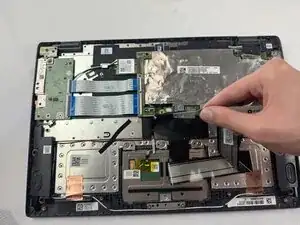
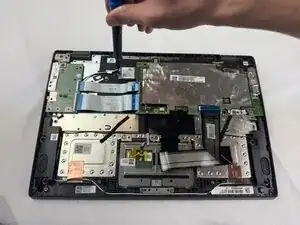
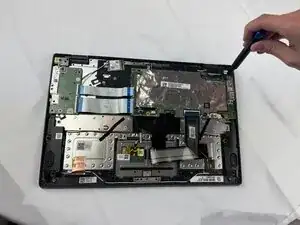
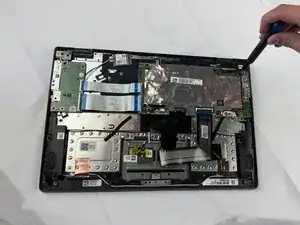
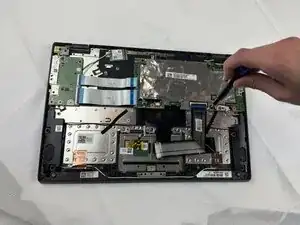
Remove the black 5.5 mm screw in the top right hinge using a Phillips #0 screwdriver.
-
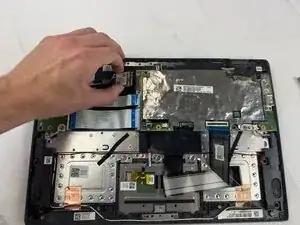
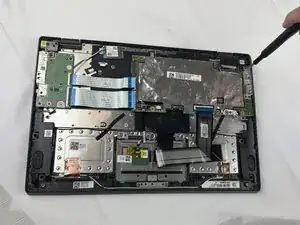
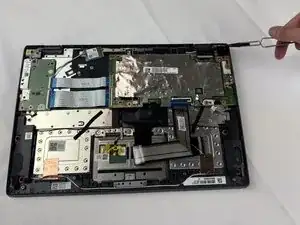
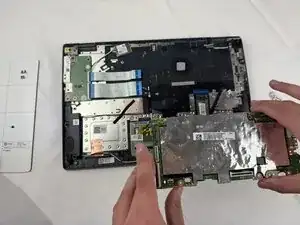
Pull the hinge up.
-
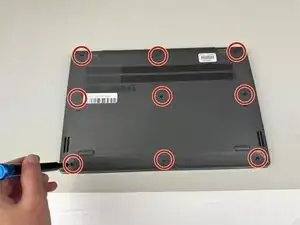
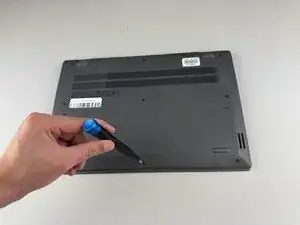
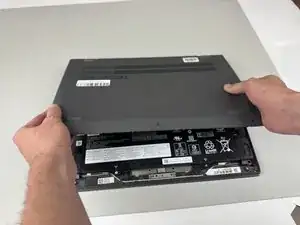
To reassemble your device, carefully follow these instructions in reverse order.