Introdução
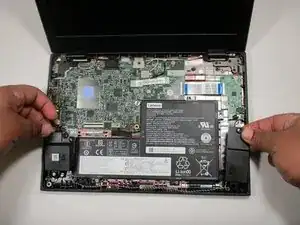
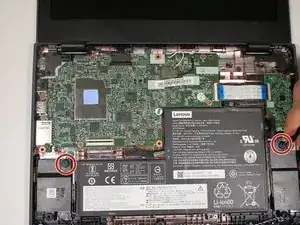
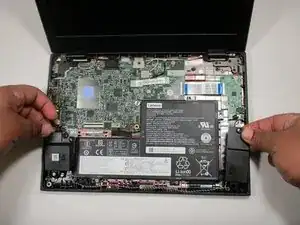
This guide will show the steps needed to take out and replace the speakers in the Lenovo Chromebook 100e 2nd gen. The tools required for this guide are a Phillips head screwdriver and a plastic pick. something like this can be done at Home. its important to be careful during the guide. the speakers can be broken easily as they are fragile.


-
-
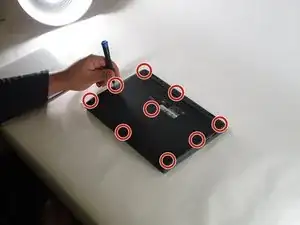
Open the laptop and lay it flat.
-
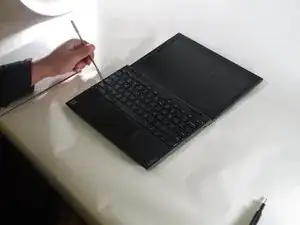
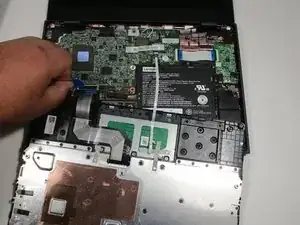
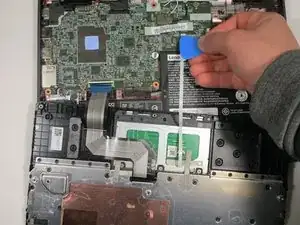
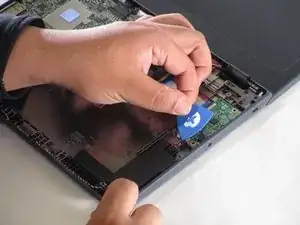
Go along the edge of the keyboard with an opening tool until it pops loose.
-
-
-
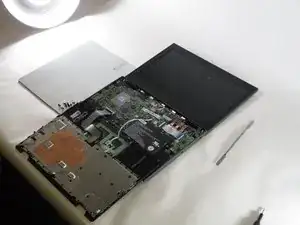
Lift the keyboard connectors up using an opening pick.
-
Remove the connectors from their sockets.
-
Conclusão
Follow these instructions from the guide in reverse order, to reassemble your device. Take your e-waste to an R2 or e-Stewards certified recycler.