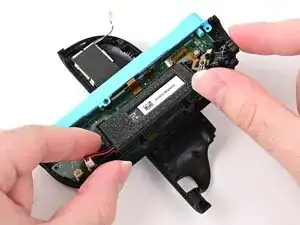
Introdução
-
-
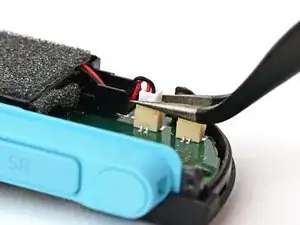
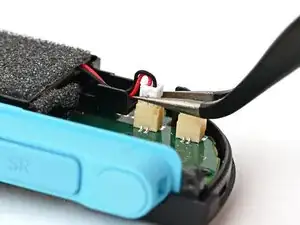
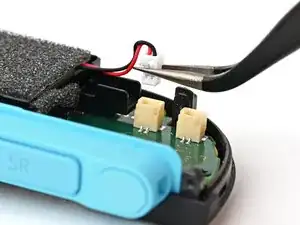
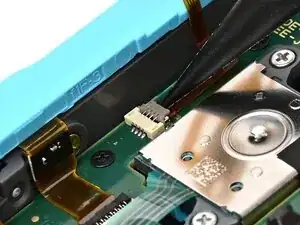
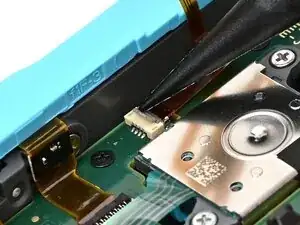
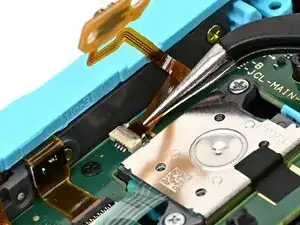
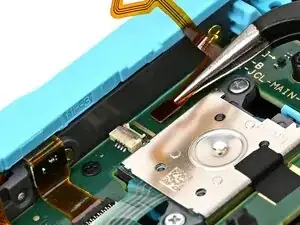
Use tweezers or your fingers to firmly grip the white JST connector and pull straight away from its socket to disconnect it.
-
-
-
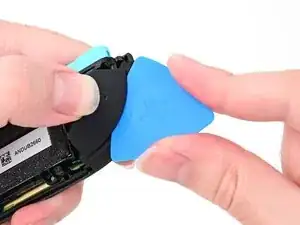
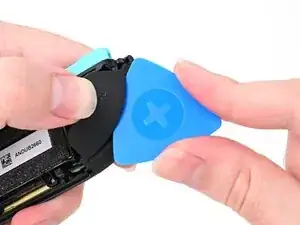
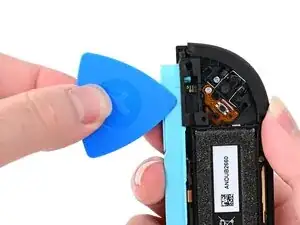
Insert an opening pick into the gap between the bumper (L) and trigger (ZL) buttons at the top of the controller.
-
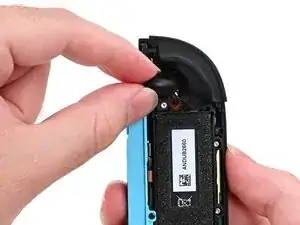
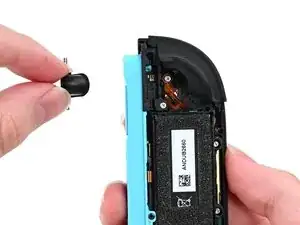
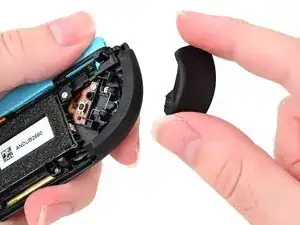
Pry up on the ZL button to pop it off and remove it.
-
-
-
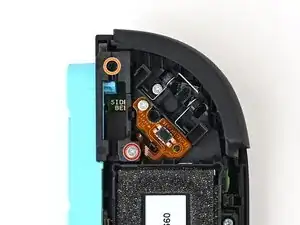
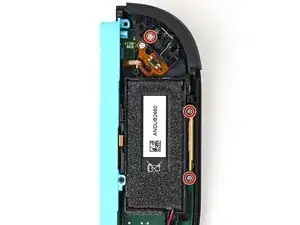
Use a JIS 00 driver to remove the two screws securing the release button mounting bracket:
-
One 3.9 mm‑long silver screw
-
One 6.2 mm‑long black screw
-
-
-
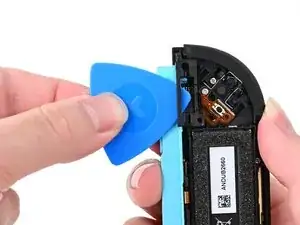
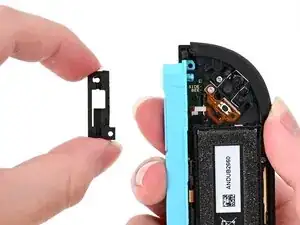
Insert an opening pick underneath the release button bracket.
-
Pry it away from the controller to remove it.
-
-
-
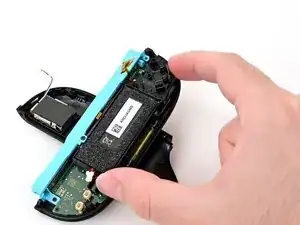
Hold the midframe lightly in place.
-
Pull the L bumper button off its mounting pegs and remove it.
-
-
-
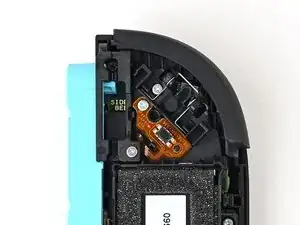
Use a JIS 00 driver to remove the 3.9 mm‑long silver screw securing the trigger button board.
-
-
-
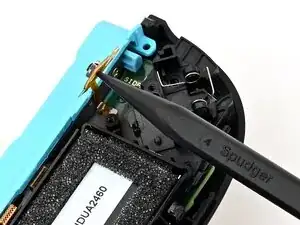
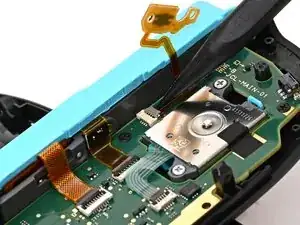
Use the point of a spudger to flip up the locking flap on the trigger button ZIF connector, located on the controller's board.
-
-
-
Use tweezers or your fingers to gently pull the cable out of its socket.
-
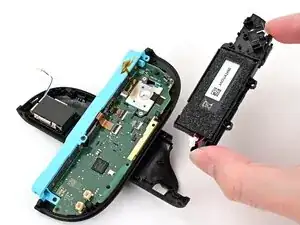
Remove the trigger button board.
-
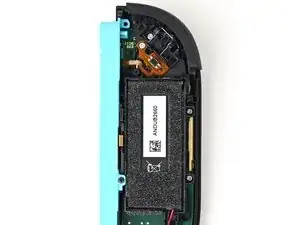
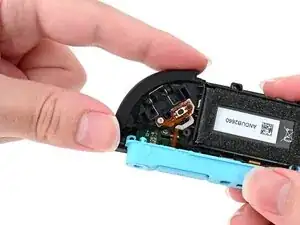
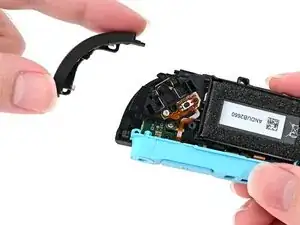
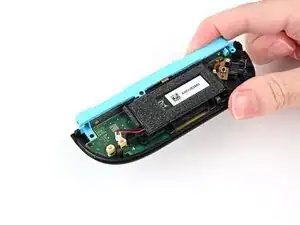
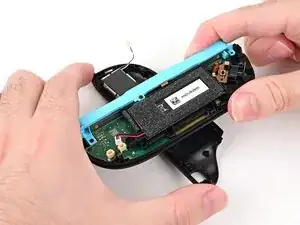
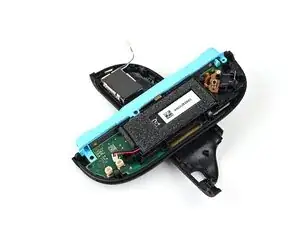
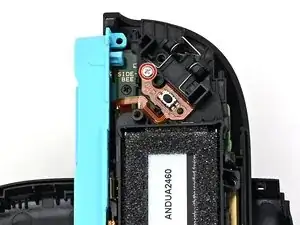
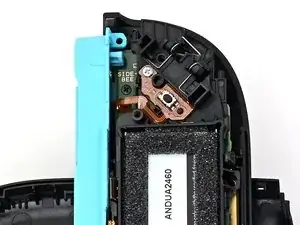
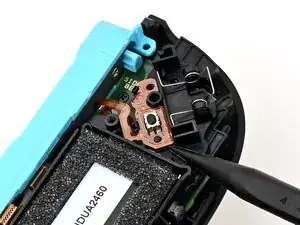
To reassemble your device, follow these instructions in reverse order.
