Introdução
-
-
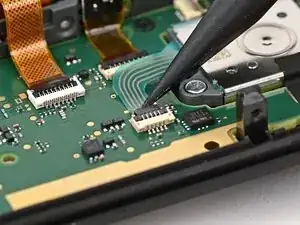
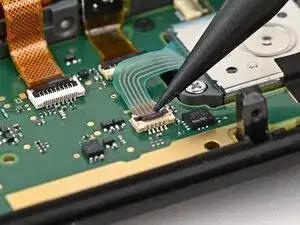
Use the point of a spudger to flip up the locking flap on the joystick cable ZIF connector, located in the center of the board.
-
-
-
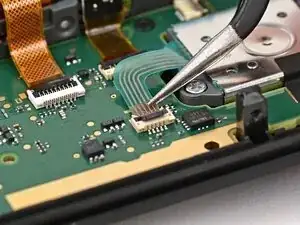
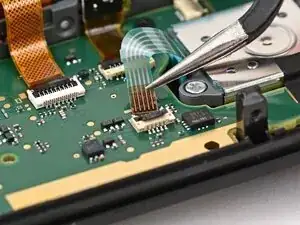
Use tweezers or your fingers to grab the brown part of the cable and gently pull the cable out of its socket.
-
-
-
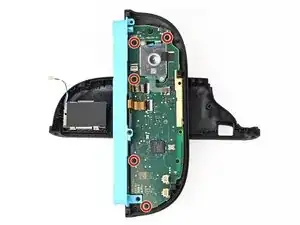
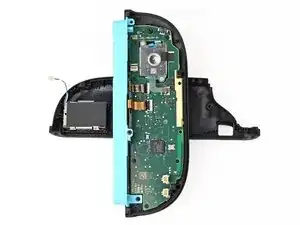
Use a JIS 00 driver to remove the five 3.1 mm‑long black screws securing the board to the controller.
-
-
-
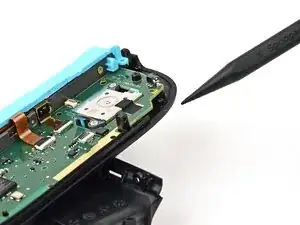
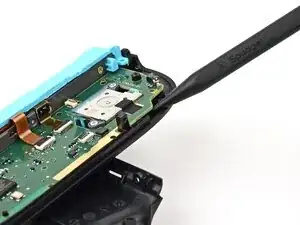
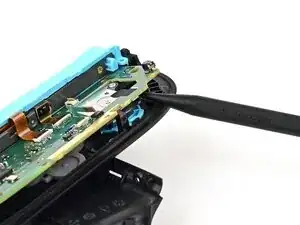
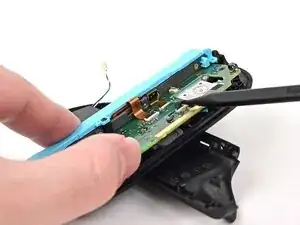
Insert the point of a spudger underneath the board, next to the joystick, between the board and the frame.
-
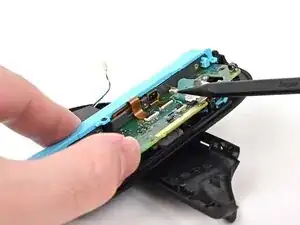
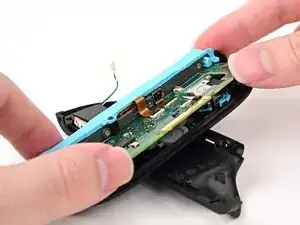
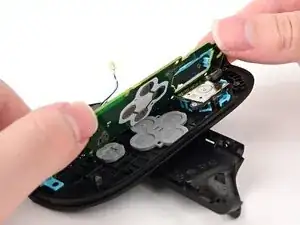
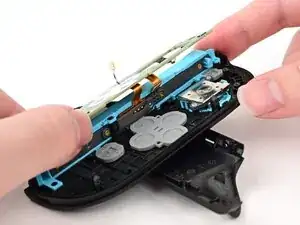
Pry up slowly on the board to lift it until you can grab it with your fingers.
-
-
-
Use your fingers or a spudger to lift the joystick cable up so it's perpendicular to the joystick module.
-
Conclusão
To reassemble your device, follow these instructions in reverse order.
