Introdução
-
-
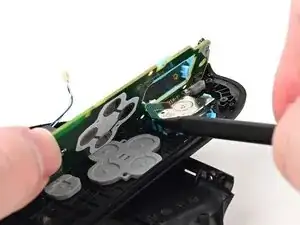
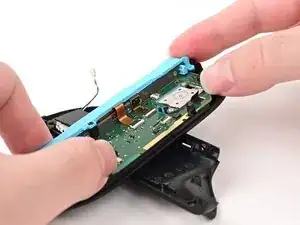
Lower the board into the controller at an angle so it sits underneath the locking tab on the controller's inner edge.
-
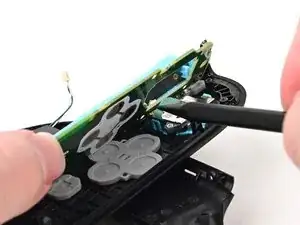
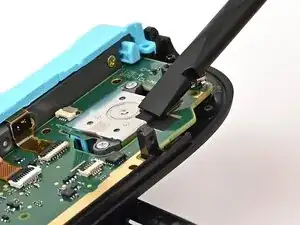
Use a spudger to bend the joystick's ribbon cable so it's perpendicular with the joystick.
-
Lower the board so the joystick's ribbon cable routes through the joystick cut-out in the board.
-
-
-
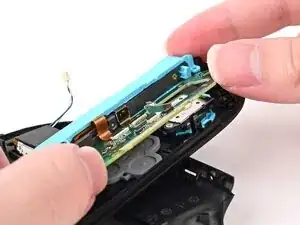
Push the board towards the controller's inner edge (the side with the shoulder buttons) to prevent it from colliding with the joystick module.
-
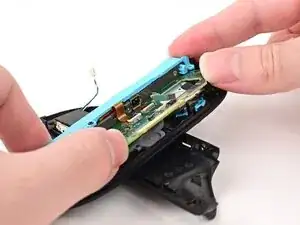
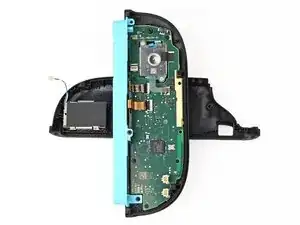
Lower the board into the frame.
-
Use your finger or the flat end of a spudger to press the black tape onto the back of the joystick module.
-
-
-
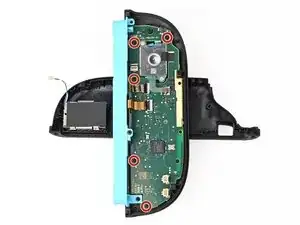
Use a JIS 00 driver to install the five 3.1 mm‑long black screws securing the board to the controller.
-
-
-
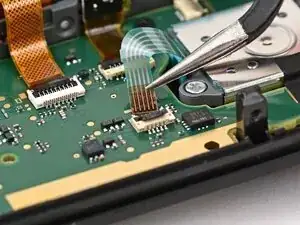
Make sure the locking flap is flipped up on the joystick cable ZIF connector.
-
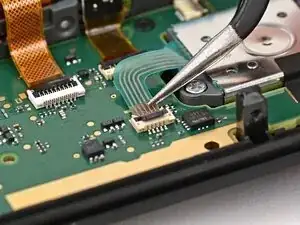
Insert the joystick ribbon cable into its ZIF connector until it's fully seated.
-
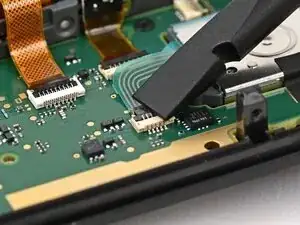
Use your finger or a spudger to flip the locking flap down to secure the cable.
-
To reassemble your device, follow these instructions in reverse order.
