Introdução
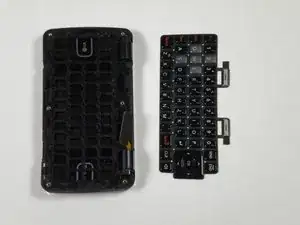
In this guide you will be removing the back panel and motherboard to access and remove the inside keyboard.
Ferramentas


-
-
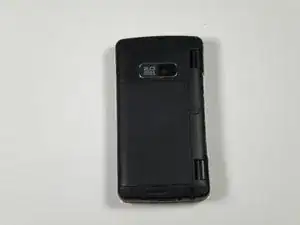
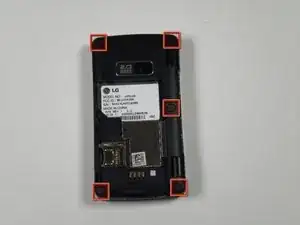
Place the phone face down on the table.
-
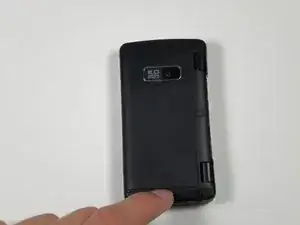
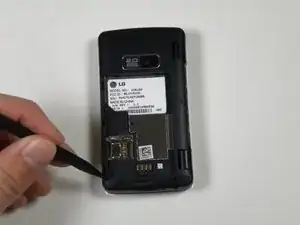
Pull down the tab below the battery with your fingernail or an opening tool.
-
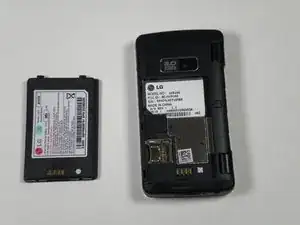
Lift the battery out.
-
-
-
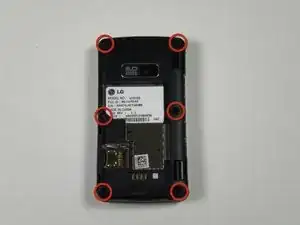
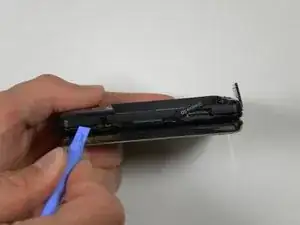
Insert a plastic opening tool into the seam and gently pry to release the tabs.
-
Work around the phone until all tabs are released.
-
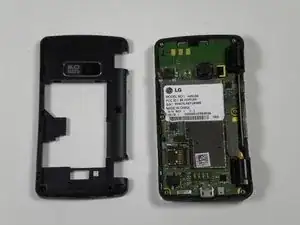
Remove the back panel.
-
-
-
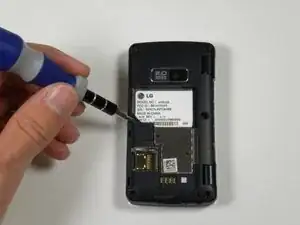
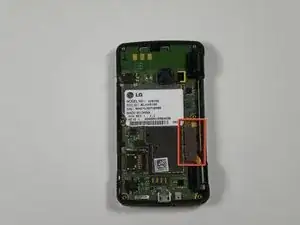
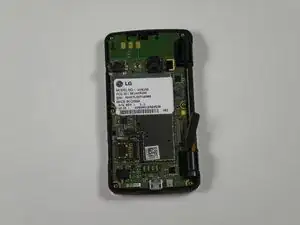
Locate the silver strip - closest to the bottom hinge of the phone - connected to the logic board.
-
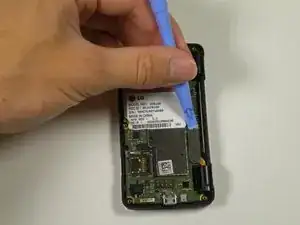
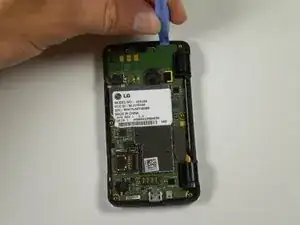
Wedge the plastic opening tool in between the silver strip and the logic board.
-
Apply upward pressure with the plastic opening tool to separate the silver strip from the logic board.
-
-
-
Wedge the plastic opening tool in between the logic board and the phone.
-
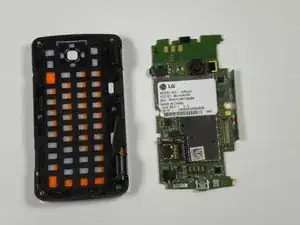
Carefully pry these two pieces apart by going around the perimeter of the phone to separate the logic board from the phone.
-
-
-
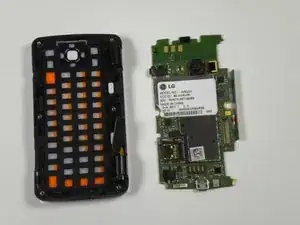
Locate the back of the inside keyboard.
-
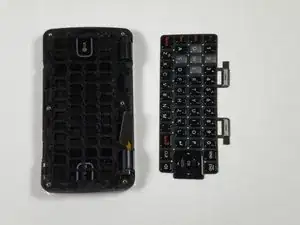
Take out the inside keyboard. By using your fingernails to pull one of the corners up, you can snap this piece out of its encasement.
-
Replace the keyboard by snapping the new keyboard into place, and begin to follow the steps in reverse to reassemble the device.
-
To reassemble your device, follow these instructions in reverse order.
