Introdução
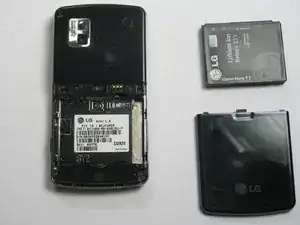
If you LG Vu CU920 is damaged, fails to hold a charge or power your device on, the battery may need to be replaced. In this guide, instructions are provided to assist you in safely removing your old battery and installing a new one to restore your phone's performance. Please power off your device before proceeding with replacing your battery.
-
-
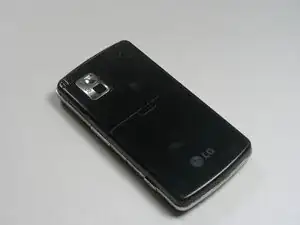
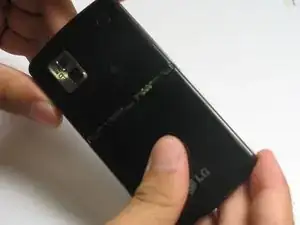
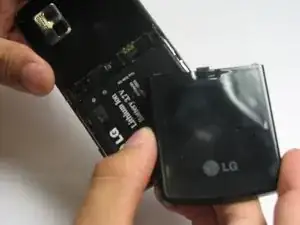
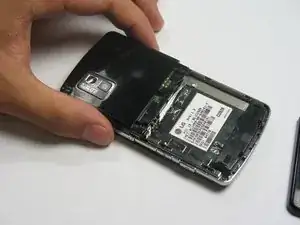
Remove the back cover by firmly pressing against the indent on the back panel. Slide the cover downward and off the phone.
-
-
-
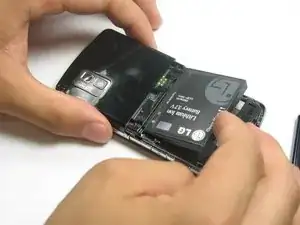
Remove the battery by placing your fingernail or an opening tool at the bottom edge of the battery and lift it out.
-
Conclusão
To reassemble your device, follow these instructions in reverse order.
