Introdução
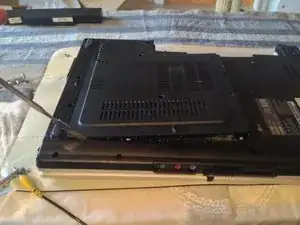
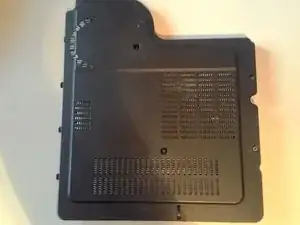
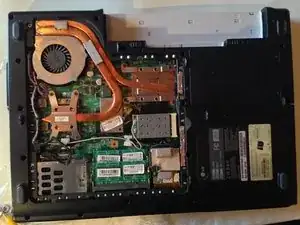
Take apart CMOS / BIOS Battery
Ferramentas


-
-
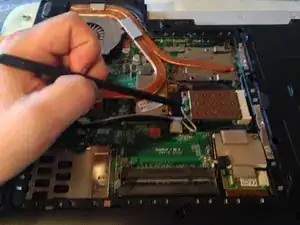
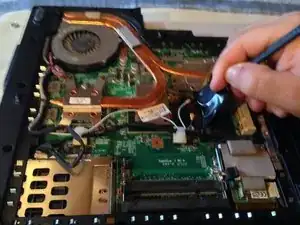
Remove a black tape.
-
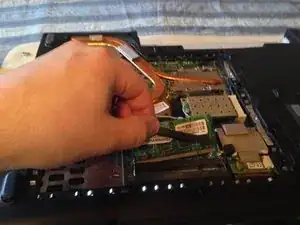
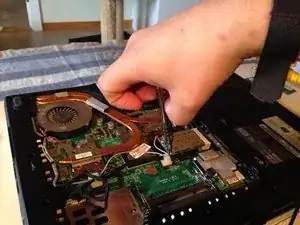
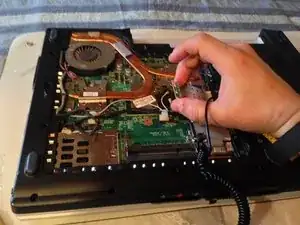
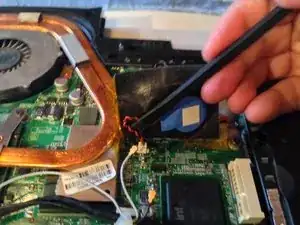
lift tape away and disconnect the battery.
-
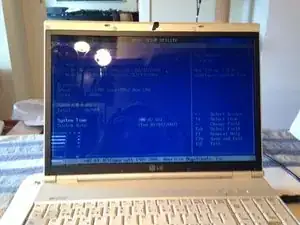
Test the computer. Turn it on.
-
Conclusão
To reassemble your device, follow these instructions in reverse order.

2 comentários
My laptop lg when i canocted to power it show me light is ok when i press power button i see power fan just turn and emiditally stop my lg not work what is the proplem
My one has a blue screen.
Computer won’t turn on