Introdução
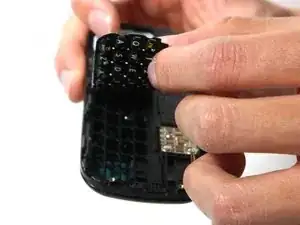
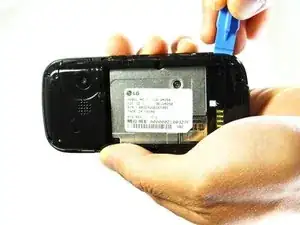
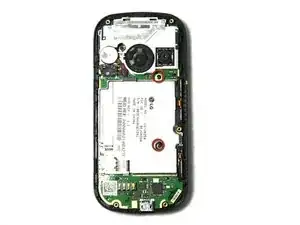
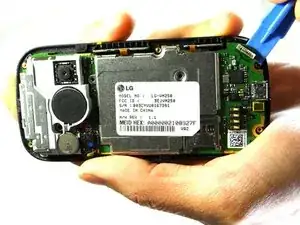
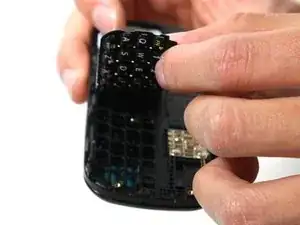
If the QWERTY silicon keypad is worn out or damaged, it is replaceable. It requires time and a lot of disassembling.
Ferramentas


Peças
-
-
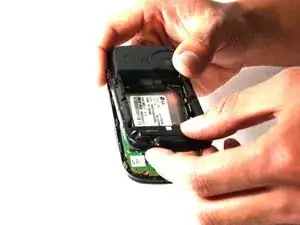
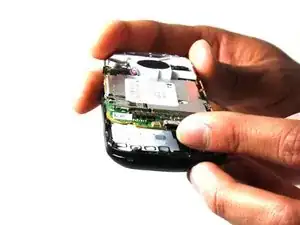
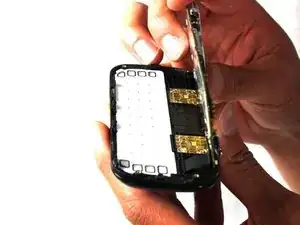
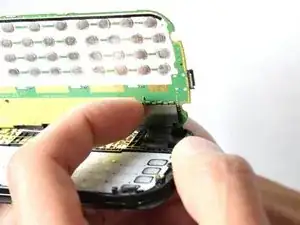
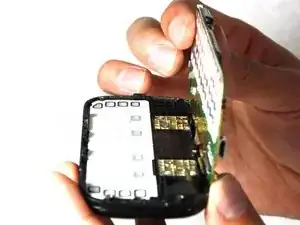
Hold the motherboard from the top and bottom and slowly lift the motherboard until you feel a pull.
-
Conclusão
To reassemble your device, follow these instructions in reverse order.

Um comentário
Steps 10 and 11 are not necessary for replacing just the silicone keypad. As long as you are careful not to pull on the motherboard, once you have the motherboard rotated up, you are able to replace the silicone keypad directly from that point.
Randy -