Introdução
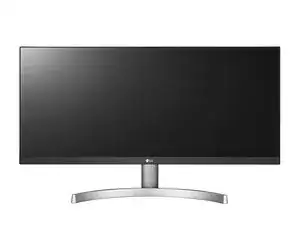
This guide will demonstrate how to replace the control panel of the LG 29WK600 monitor. It will take approximately 1 to 1.5 hours.
Ferramentas


-
-
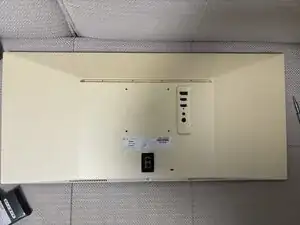
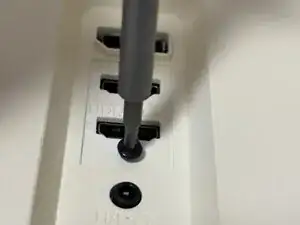
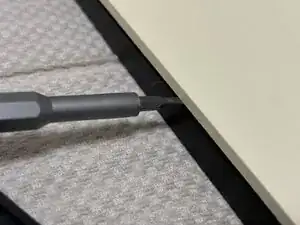
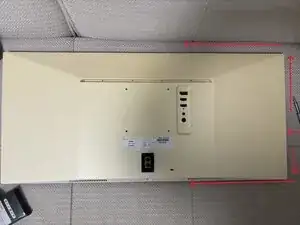
This is the most challenging part. Starting from the side of the monitor, insert a pry bar into the junction between the black plastic and the white plastic, and then pry open the clips inside the monitor.
-
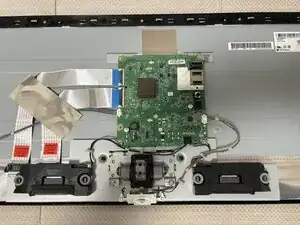
You can pry open the back panel of the monitor in the way shown in the second picture.
-
-
-
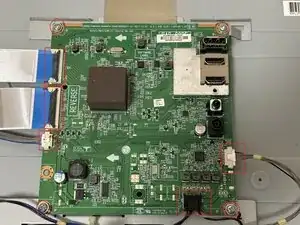
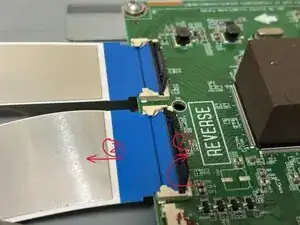
First, disconnect the five cables connecting the control board. Lift the black plastic flap on the flat ribbon cable connector before removing it (the second picture).
-
Then, remove the four screws from the corners.
-
-
-
Replace the new control panel and then, following the reverse process of the previous steps, reassemble it.
-
To reassemble your device, follow these instructions in reverse order.