Introdução
Your Kyocera DuraSport 5G is supposed to be “ultra-durable and fully equipped to tackle your most demanding workdays” so it can be disappointing when the battery is not functioning up to standard.
Symptoms like improper battery percentage readings, quick battery drainage, and unexpected shutdowns are all indications of a problem with the battery module that can’t be fixed with regular troubleshooting. This guide will show you how to replace the battery.
Before going through the following steps, ensure the device is properly shut down by holding the power button for 10-15 seconds while the device is turned on.


-
-
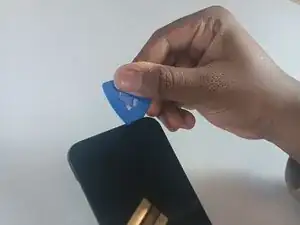
Insert an opening pick into the seam between the screen and the frame of the phone.
-
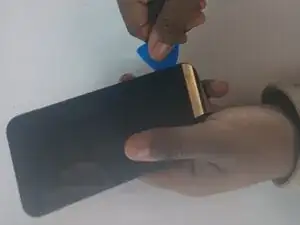
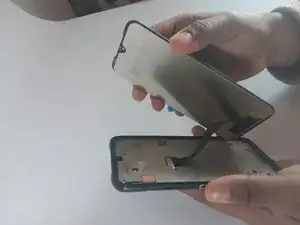
Gently pry the screen from the phone frame to separate them.
-
Once a corner starts to lift, slowly slide the tool along the edge to loosen more of the screen.
-
-
-
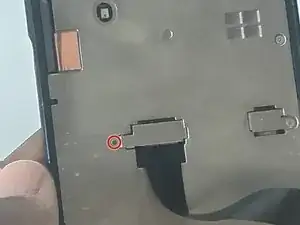
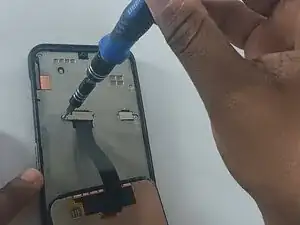
Remove the screw from the small silver bracket covering the cable connector.
-
Remove the bracket.
-
-
-
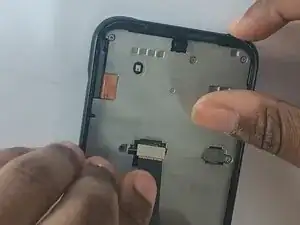
Remove the metal midframe from the phone.
-
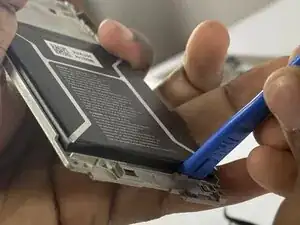
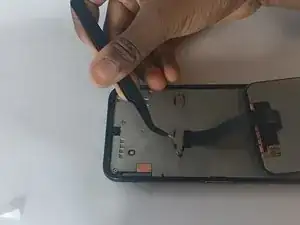
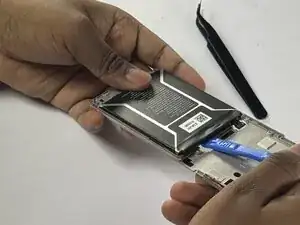
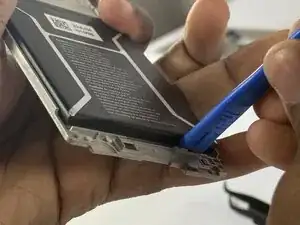
Use an opening tool to pry the battery out of the phone.
-
To reassemble your device, follow these instructions in reverse order.