Introdução
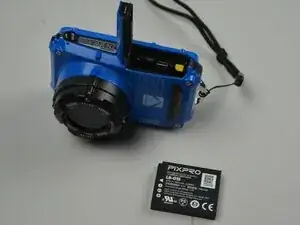
If your Kodak PIXPRO WPZ2 camera doesn’t power on or holds a charge for only a short time, the battery may need to be replaced. This guide will show how to remove and replace the rechargeable Li-Ion battery safely.
You will not need any tools for this process, but ensure the camera is turned off before you begin the replacement.
-
-
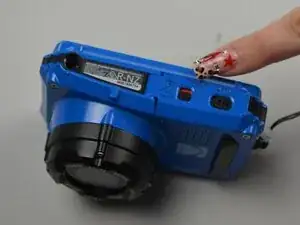
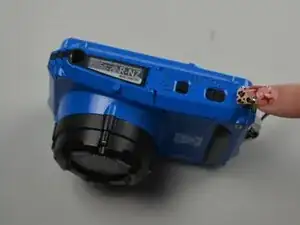
Turn the camera upside down to locate the battery compartment.
-
Slide the battery door latch to the unlock position.
-
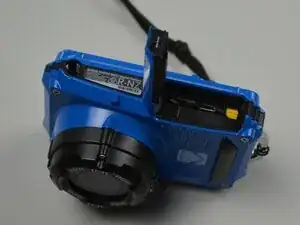
Lift the door open to access the battery compartment.
-
-
-
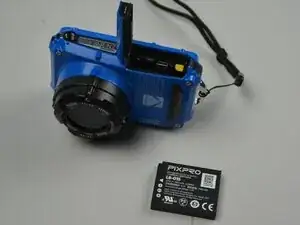
Push the yellow release lever beside the battery compartment to the side.
-
Pull the battery from the compartment.
-
Conclusão
To reassemble your device, follow these instructions in reverse order. Take your e-waste to an R2 or e-Stewards certified recycler.
