Introdução
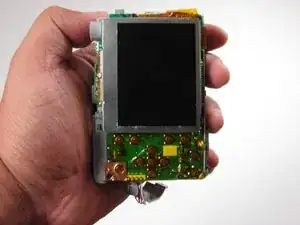
Is the screen on your Kodak EasyShare C913's LCD screen cloudy, scratched, or displaying distorted images? This guide is made to help walk you through the process of removing the damaged screen and installing a replacement safley.


-
-
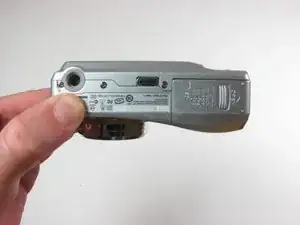
Position the camera with the bottom facing up.
-
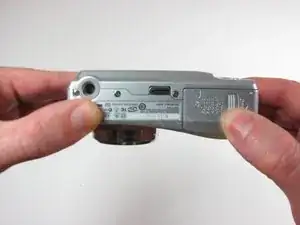
Slide the battery cover in the direction of the arrow with your finger gently.
-
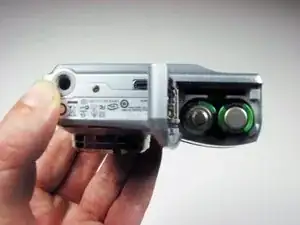
Remove the batteries
-
-
-
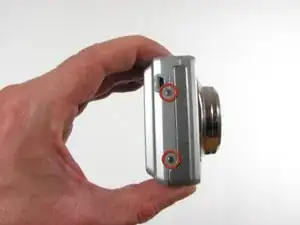
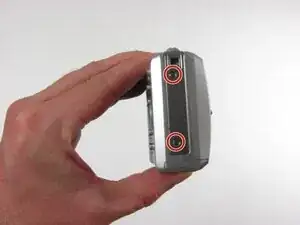
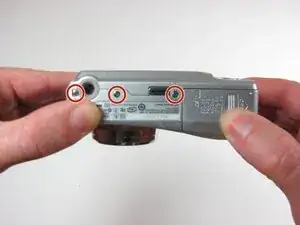
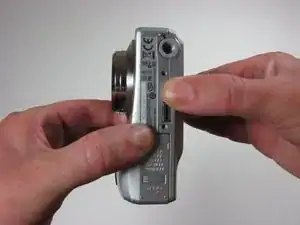
Remove the seven 4.5mm screws with a Phillips #00 screwdriver.
-
2 screws on the left, 2 screws on the right, 3 screws on the bottom
-
-
-
Look at the LCD casing and find the two smaller solder joints. One on either side of the camera secures the circuit board's casing. These are usually shiny and metallic points where the casing connects to the board.
-
Apply the tip of the heated solder to the first joint to remove it. Continue with the other side.
-
-
-
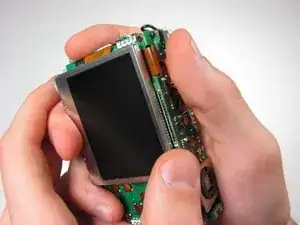
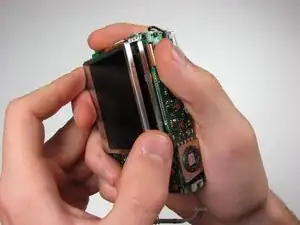
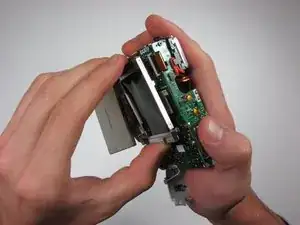
Gently grasp the lower right side of LCD screen.
-
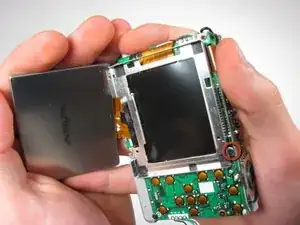
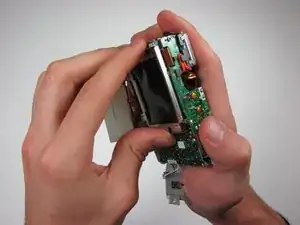
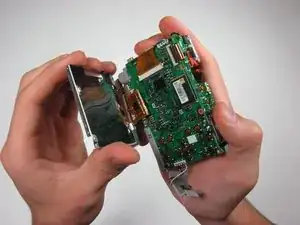
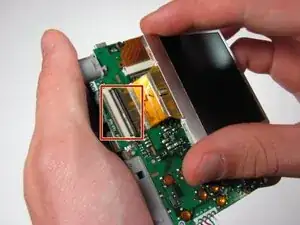
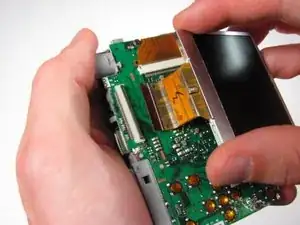
Lift the screen out of its casing.
-
Remove the 3 mm screw from the LCD casing using a #00 screwdriver.
-
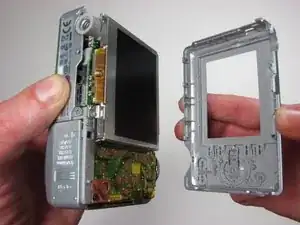
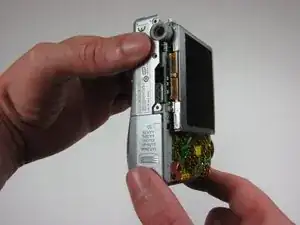
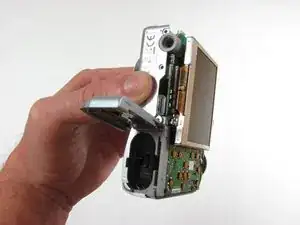
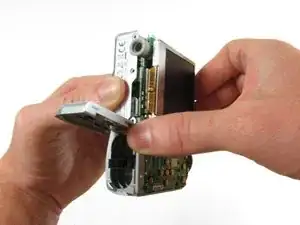
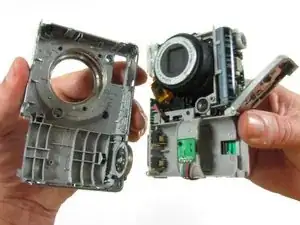
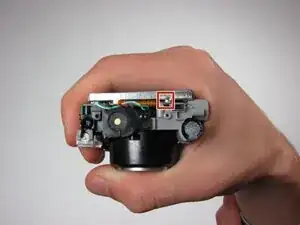
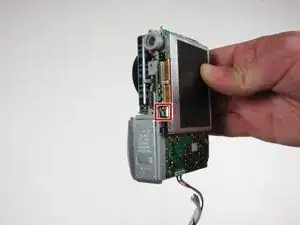
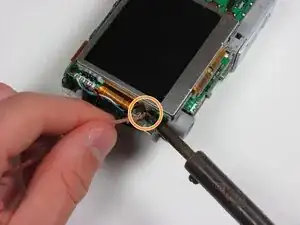
To reassemble your device, follow these instructions in reverse order. Take your e-waste to an R2 or e-Stewards certified recycler.
