Introdução
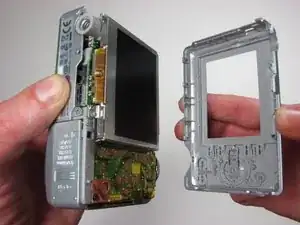
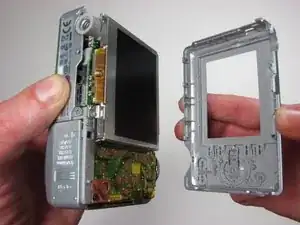
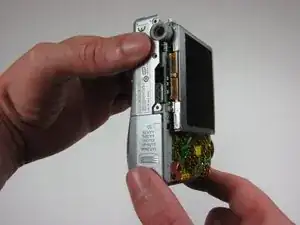
Use this guide to remove the back case.
Ferramentas

-
-
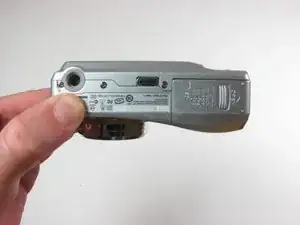
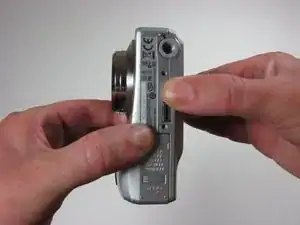
Position the camera with the bottom facing up.
-
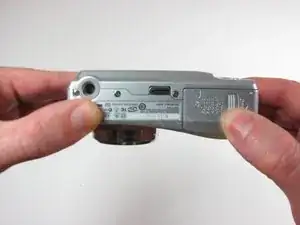
Slide the battery cover in the direction of the arrow with your finger gently.
-
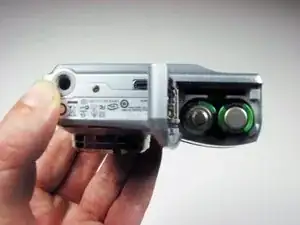
Remove the batteries
-
-
-
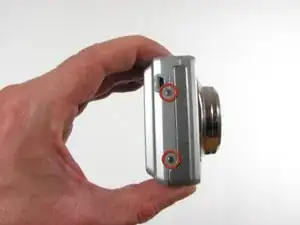
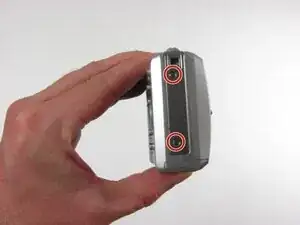
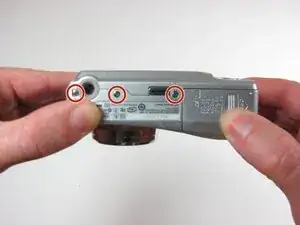
Remove the seven 4.5mm screws with a Phillips #00 screwdriver.
-
2 screws on the left, 2 screws on the right, 3 screws on the bottom
-
Conclusão
To reassemble your device, follow these instructions in reverse order.
