Introdução
Ferramentas


-
-
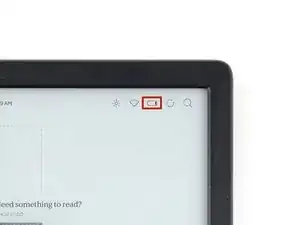
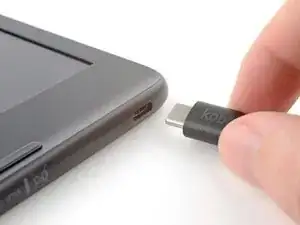
Unplug all cables and fully shut down your eReader.
-
Your screen should be black and say Powered off.
-
-
-
Flip your eReader over so the screen is facing down.
-
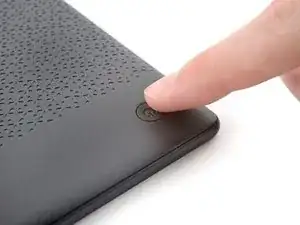
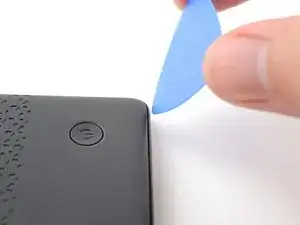
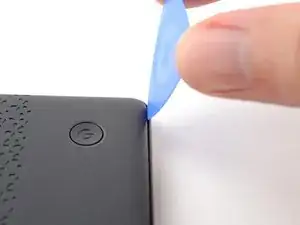
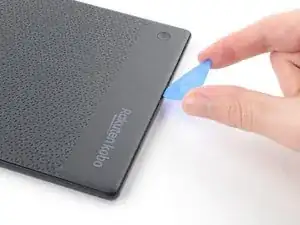
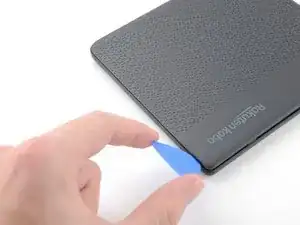
Angle an opening pick straight down, and insert its tip under the top right corner of the back cover, near the power button.
-
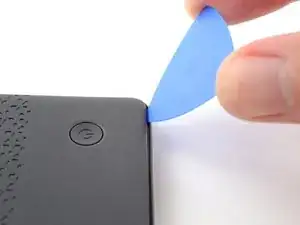
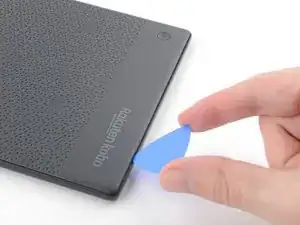
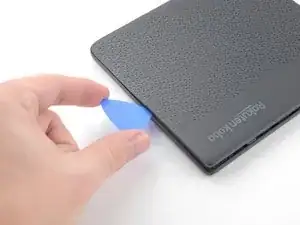
Push downward and pry up with the pick until you feel it slide between one of the clips and the frame.
-
-
-
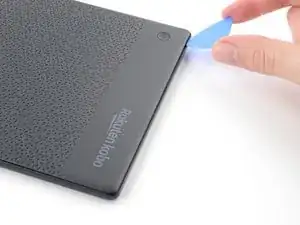
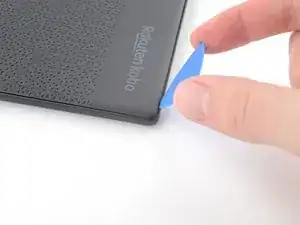
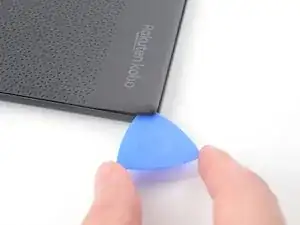
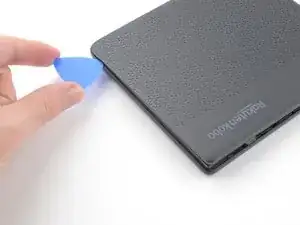
Angle the pick flat under the back cover and rotate it around the bottom right corner to release its clips.
-
-
-
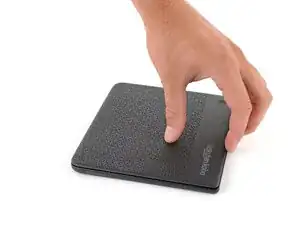
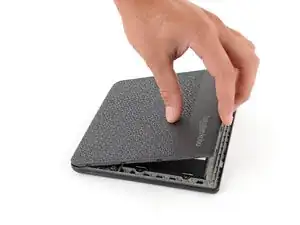
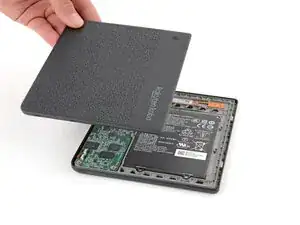
Grip the right edge of the back cover and lift it away from the eReader to release the remaining clips.
-
Remove the back cover.
-
-
-
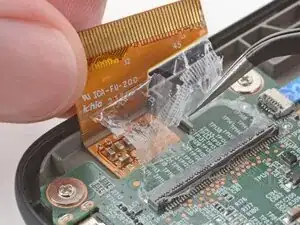
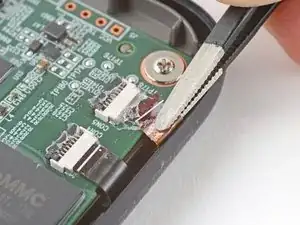
The coating is brittle and can flake into many small pieces. Heating the coating helps, but working with it is still a time-consuming process.
-
Depending on your repair, you might have to remove the coating from ZIF connectors and their cables.
-
-
-
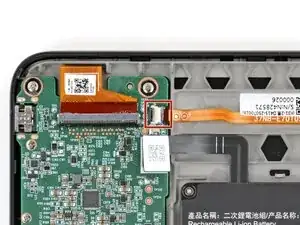
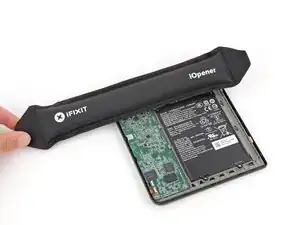
Heat an iOpener and lay it on the power button ZIF connector (near the top right corner of the motherboard) for 90 seconds to soften the coating.
-
-
-
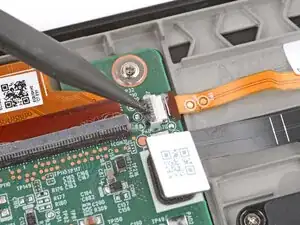
Use the tip of a spudger and pointed tweezers to scrape and remove the coating from the ZIF connector's locking tab and cable.
-
-
-
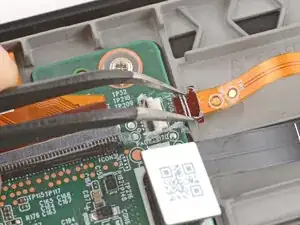
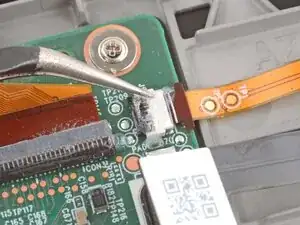
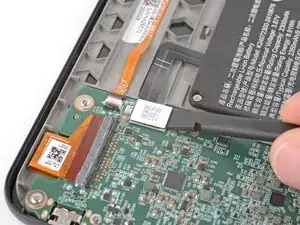
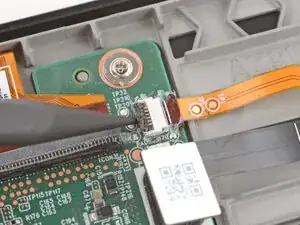
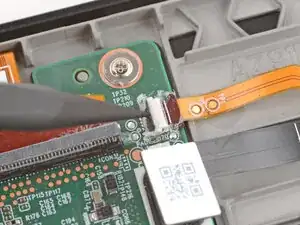
Use the tip of a spudger to lift up the locking tab on the power button ZIF connector.
-
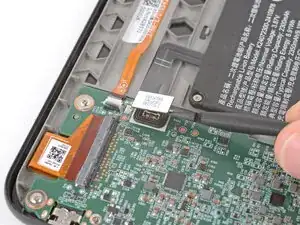
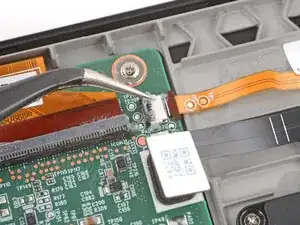
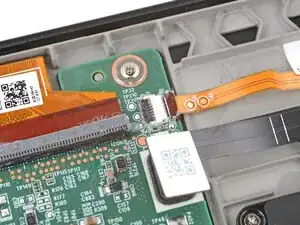
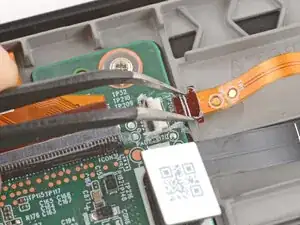
Use angled tweezers to push the cable fully out of its socket, pushing on the small "arms" near the head of the cable.
-

Don't forget to remove the protective sheet from the replacement screen (as I did). Thanks for the manual, its working now again!
Hans -
Haha I second that! I nearly had a heart attack when I realized I hadn't removed the plastic film
Arianna A -