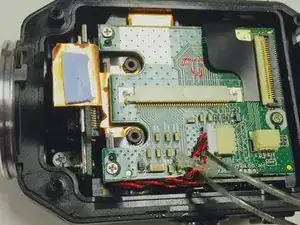
Introdução
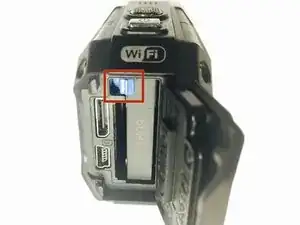
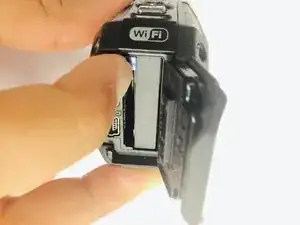
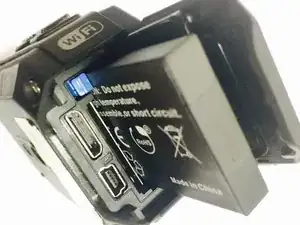
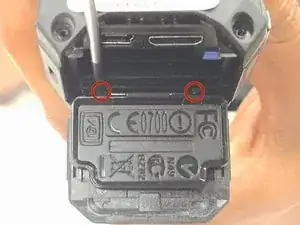
To complete this guide, you will need to purchase a new battery housing and make sure that you have the tools listed. It is always good practice to make sure that the device is completely powered off and remove the battery before attempting any repairs.


-
-
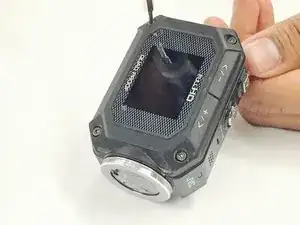
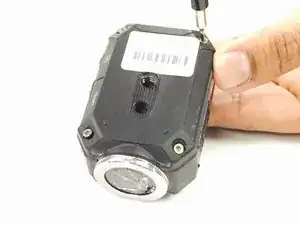
Remove the 8 screws (5mm x 4mm) from the corners of both the front and back of the camera (4 screws on each side) using the T6 Torx screwdriver.
-
-
-
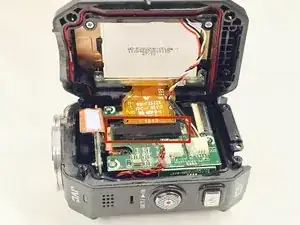
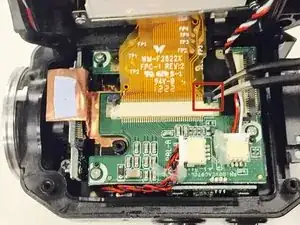
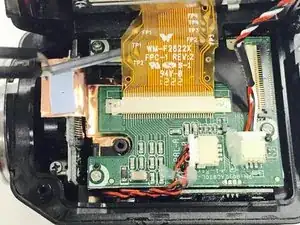
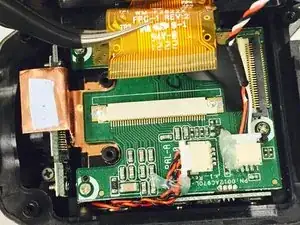
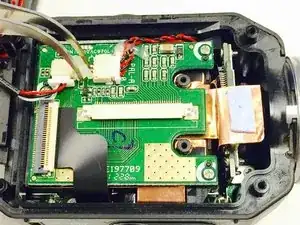
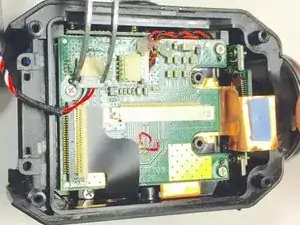
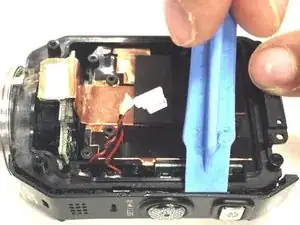
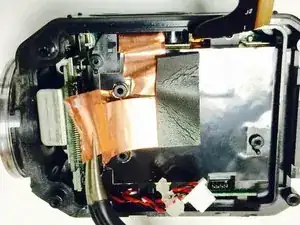
Carefully peel off the glue holding the red and black braided wire down to the circuit board.
-
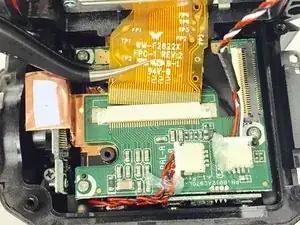
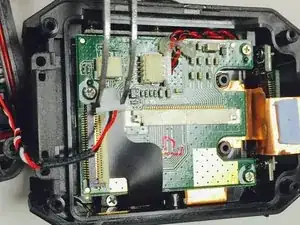
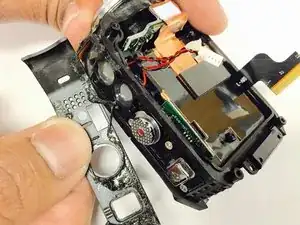
Then remove the connector by gently pulling it out of its casing.
-
-
-
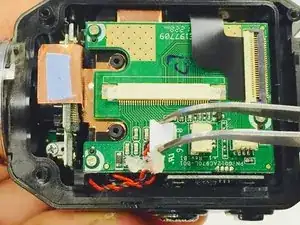
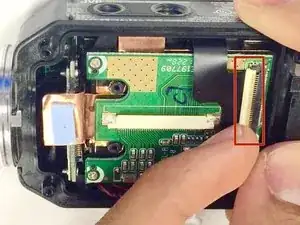
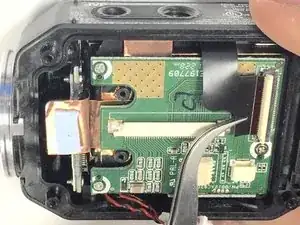
Lift up the white ribbon clip and remove the black ribbon by gently pulling it away from the white clip.
-
-
-
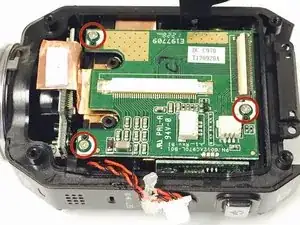
Remove the the three Phillips screws (3mm headsize x 2mm length) from the circuit board.
-
After you remove the screws, you can then remove the green circuit board by lifting it up out of the device case.
-
-
-
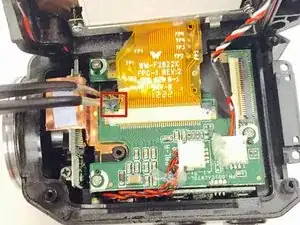
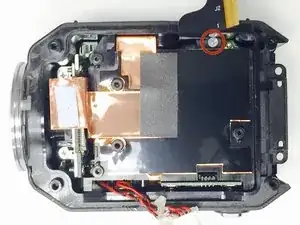
Once the circuit board is removed, you will want to remove the Phillips screw (3mm headsize x 2 mm length) near the ribbon cable.
-
-
-
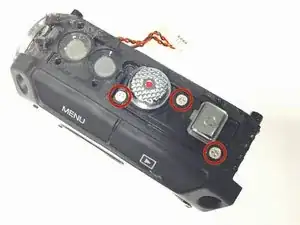
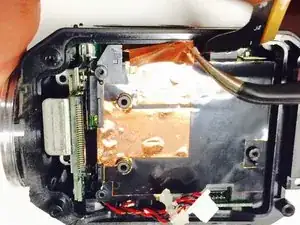
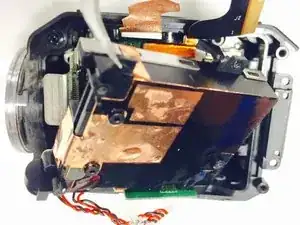
Once the cover has been removed, you will want to remove the three Phillips screws (2mm headsize x 2mm length) that are underneath.
-
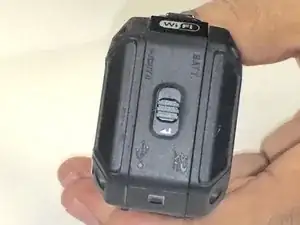
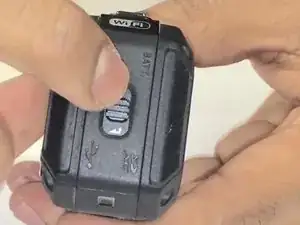
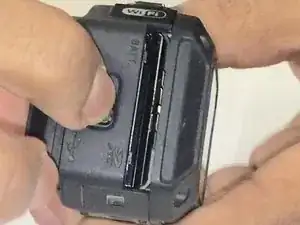
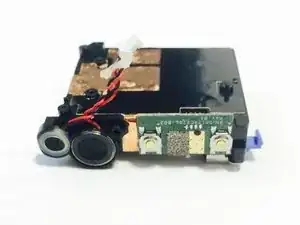
To reassemble your device, follow these instructions in reverse order.

Um comentário
I couldn't save the glue from the top cover in order to reassembly it. Does this glue has the function to repel the water or its main function is just to glue together the top cover?