Introdução
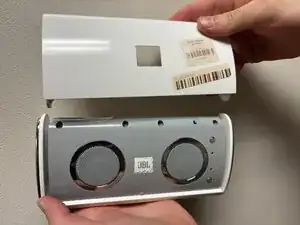
The JBL On Tour speaker MU12-2060100 comes with a protective cover that is used for activating the power; it turns power on and off when open and closing. It also serves to protect the speaker from the elements or physical damage. This guide will show you how to replace the protective cover on the JBL On Tour speaker by taking the cover of the speaker apart. Removing the cover is necessary to do any other repairs on the device. Before beginning this repair, make sure to power off your speaker and unplug it from the charger.
-
-
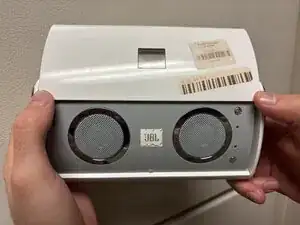
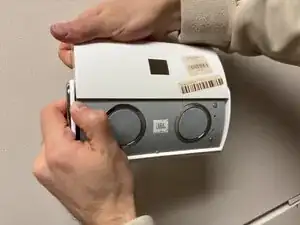
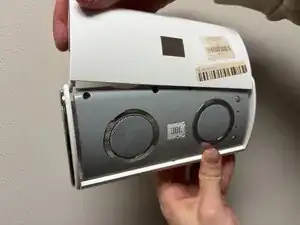
Pull the side covering apart and at the same time continue to slide the cover away from the speaker.
-
-
-
Once you have unhooked one side repeat the same process with the other side to completely free the cover.
-
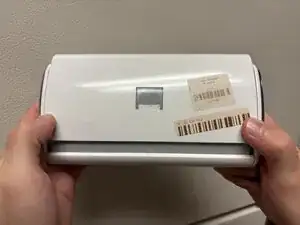
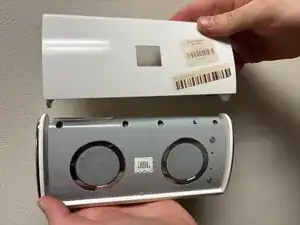
To reassemble your device, follow these instructions in reverse order.
