Introdução
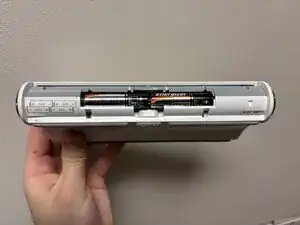
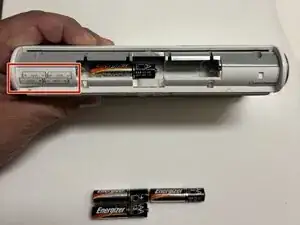
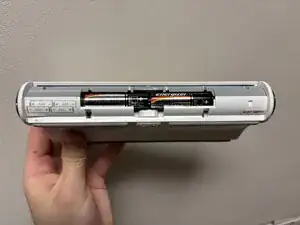
The JBL On Tour speaker MU12-2060100 can be used with a power adapter, but batteries should be installed as a backup power source and to utilize the portability. This guide will show you how to replace the batteries in the JBL On Tour speaker by removing the battery cover of the speaker which holds the batteries in place. Check the troubleshooting guides on our device page to determine if new batteries are needed. Before beginning this repair, make sure to power off your speaker and unplug it from the charger.
-
-
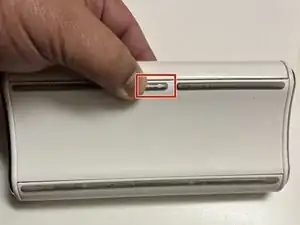
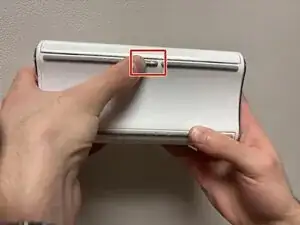
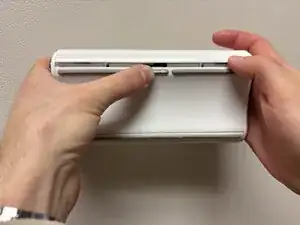
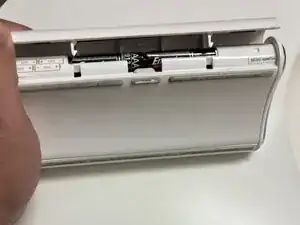
Lift the battery cover located directly above the arrow button while holding the arrow button in the right position.
-
Conclusão
To reassemble your device, follow these instructions in reverse order.