Introdução
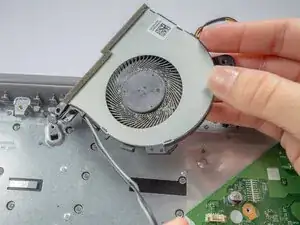
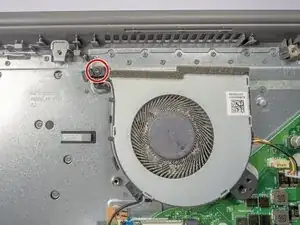
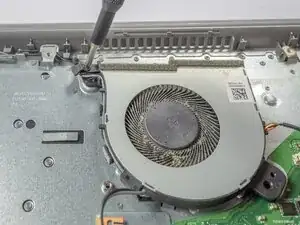
If your Lenovo IdeaPad L340-15API overheats quickly, runs slowly, makes loud grinding or whirring noises, or experiences sudden shutdowns or restarts, the cooling fan may need to be replaced.
This guide walks you through replacing the fan in a Lenovo IdeaPad L340-15API, which helps regulate the device’s internal temperature and prevent overheating.
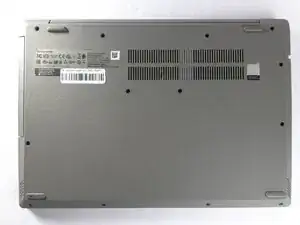
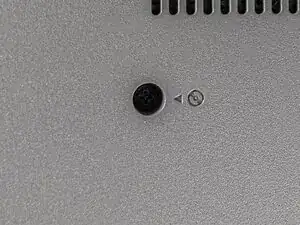
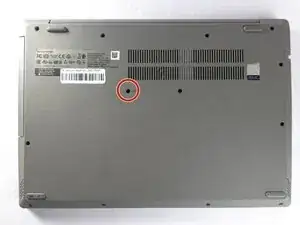
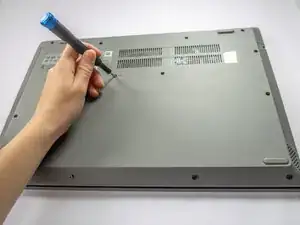
Before you begin the repair, power off the laptop and disconnect the charging adapter and any external peripherals.


-
-
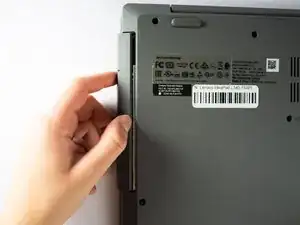
Place your thumb at the seam between the optical drive and the device.
-
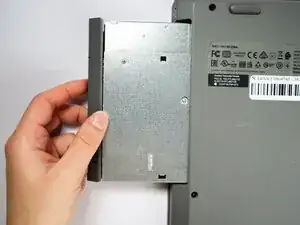
Gently pull the component straight out from the device, taking care not to pull at an angle.
-
-
-
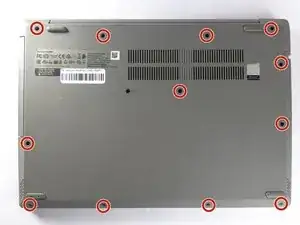
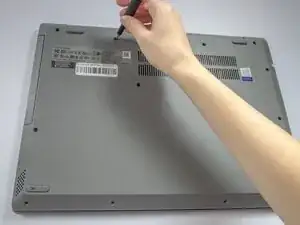
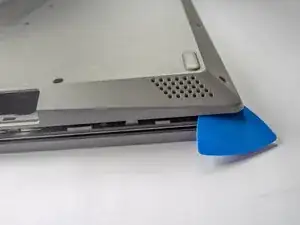
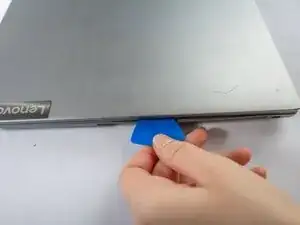
Insert a plastic opening pick in the back left corner and wedge the panel open.
-
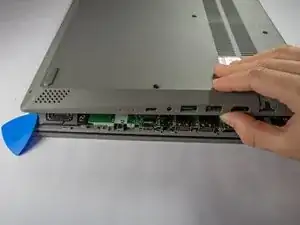
Slide the pick around the edge of the laptop to release the clips as you lift the panel.
-
Remove the bottom cover.
-
-
-
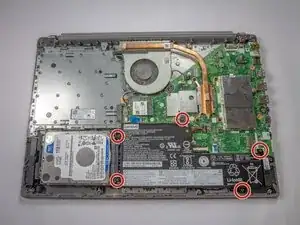
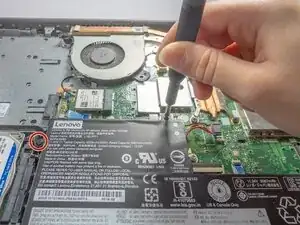
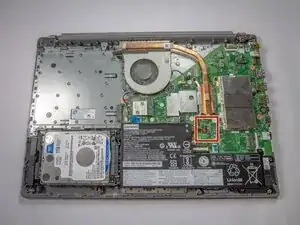
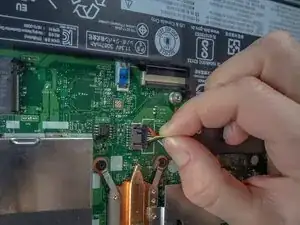
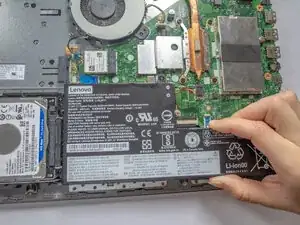
Use the wide end of a spudger to push the connector tab, sliding the battery connector out of its socket.
-
-
-
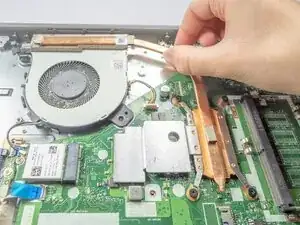
Before you remove the fan, you need to remove the heatsink. The heatsink is the long copper piece connected to the fan.
-
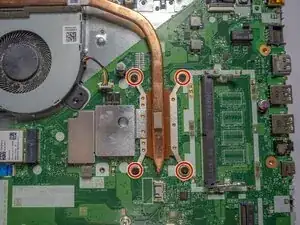
Use a Phillips #1 screwdriver to loosen the four captive screws holding the heatsink in place.
-
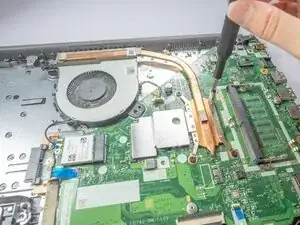
Gently lift the heatsink and set it aside for reassembly later.
-
-
-
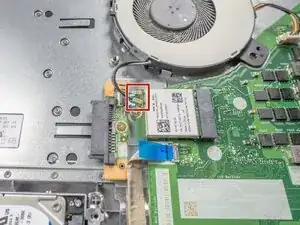
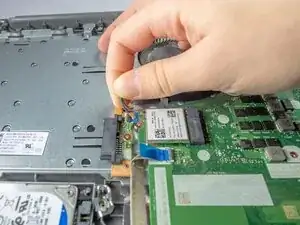
Slide a thin, ESD-safe pry tool or angled tweezers under the metal neck of the connectors (as close to the head as possible) and lift straight up from the board to disconnect the black and gray coaxial cables from the Wi-Fi chip.
-
-
-
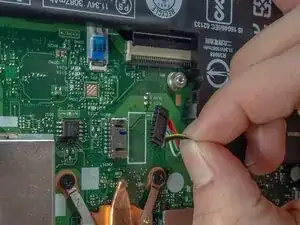
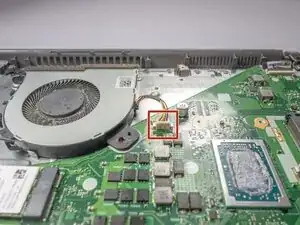
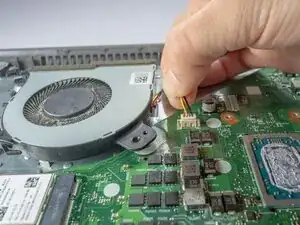
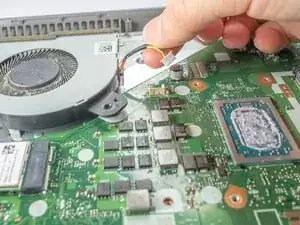
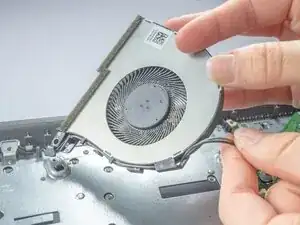
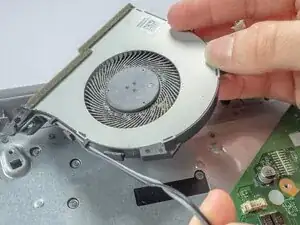
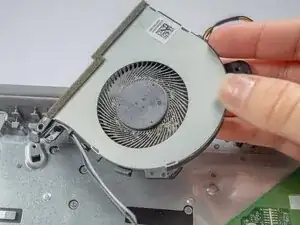
Use the point of a spudger to push on alternating sides of the fan connector to "walk" it out of its socket.
-
If that doesn't work, use a pair of tweezers to firmly grip the sides of the connector and pull straight away from the socket.
-
To reassemble your device, follow these instructions in reverse order. Take your e-waste to an R2 or e-Stewards certified recycler.