Introdução
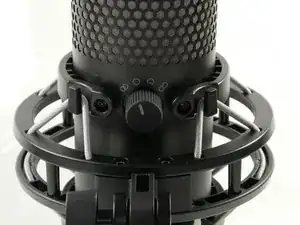
The polar pattern knob of the HyperX QuadCast S microphone helps the user to determine how much signal will be picked up from different directions. If your microphone audio will not change while dialing through the different polar pattern settings, follow this guide on how to remove the polar pattern knob.
-
-
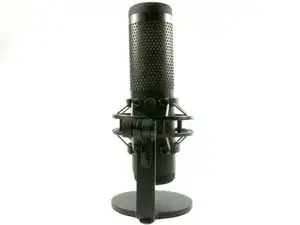
Place the microphone down on a flat surface.
-
Orientate the microphone so that the back is facing toward you.
-
-
-
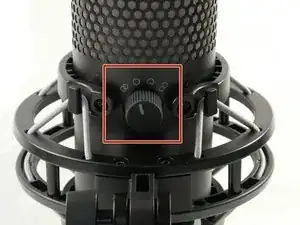
You will see a knob illustrated with four symbols, representing different polar pattern modes.
-
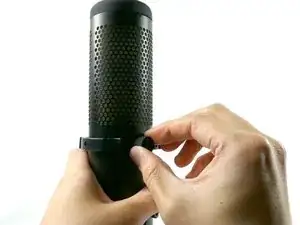
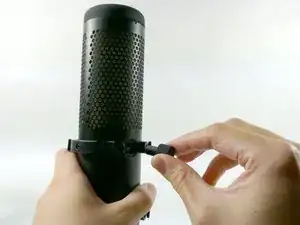
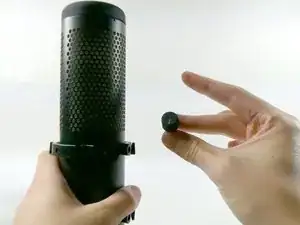
To reassemble your device, follow these instructions in reverse order.

Um comentário
Great ahm... now I know what the symbols on my mic look like. Thing is just, I got it in front of me, so I knew how they looked before.
I wanted to inquire about what they mean. Like a quick "Left to right that means 1, 2, 3, and 4 for example. Not trying to be difficult here, but
the simple fact that these symbols DO exist and even the 4 functions they serve are easy to find online. Just what´s what, not so much.
Have a nice day anyway friend. Nice Heisenberg PFP btw.