Introdução
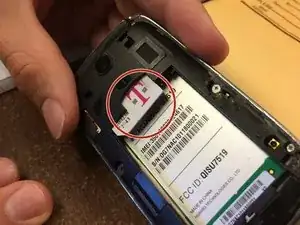
Removing the back cover of your Huawei u7519 is simple and will only take a few minutes and couple tools.
Ferramentas


-
-
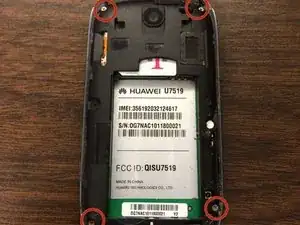
Using the Phillips #00 Screwdriver, take out the four small screws located at the four corners of the phone.
-
-
-
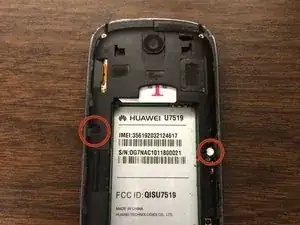
Using the same screwdriver, take out the two bigger screws located on each side of the battery compartment.
-
-
-
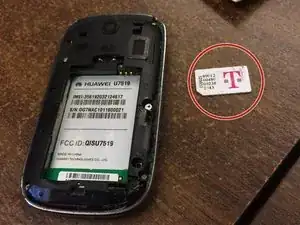
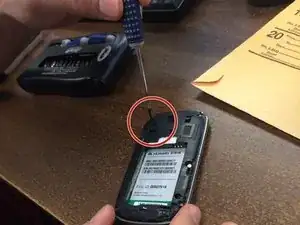
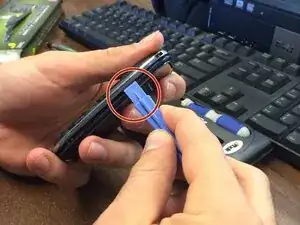
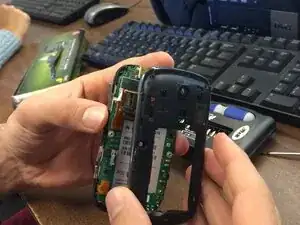
Once all the screws are removed, use the iPod opening tool to pry off the back covering of the phone along the edge of the back cover and you will have access to the motherboard.
-
Conclusão
To reassemble your device, follow these instructions in reverse order.
