Introdução
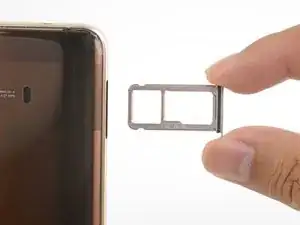
This guide shows how to eject the Mate 10’s SIM tray.
Ferramentas

-
-
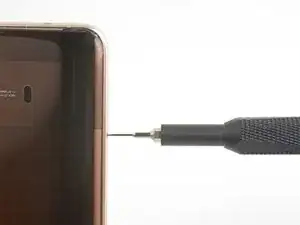
Insert a SIM card eject tool, bit, or a straightened paperclip into the small hole in the SIM card tray.
-
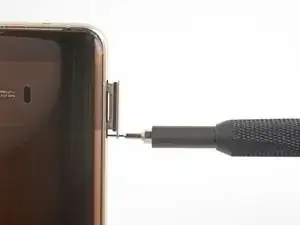
Press to eject the tray.
-
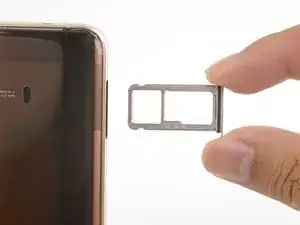
Remove the tray from the phone.
-
Conclusão
To reassemble your device, follow these instructions in reverse order.
