Introdução
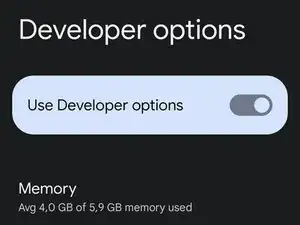
The Settings app on Android includes a screen called developer options that lets you configure system behaviors that help you profile and debug your app performance. For example, you can enable debugging over USB, capture a bug report, enable visual feedback for taps, flash window surfaces when they update, use the GPU for 2D graphics rendering, and more.
-
-
Now you just need to tap the Build number repeatedly, until you get a confirmation message saying "You are now a developer!". I already enabled developer options on my device, so I don’t need to do it again.
-
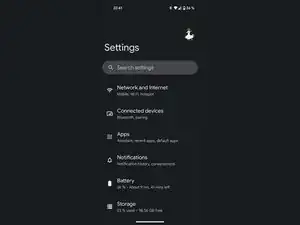
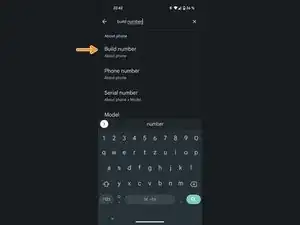
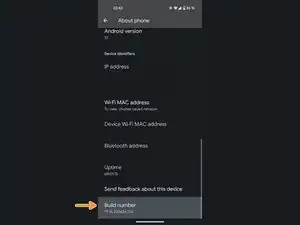
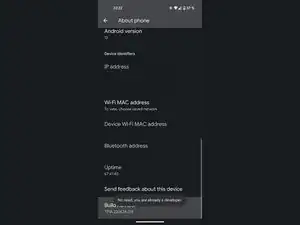
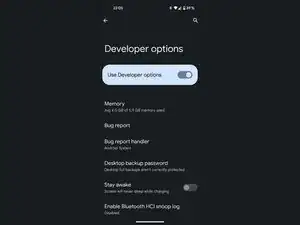
You are now a developer!

5 comentários
Ma batterie durée avant même maintenant ça dure plus
Je ne comprends pas très bien la question, mais normalement, le déverrouillage des options de développement ne devrait pas affecter la durée de vie de votre batterie.
The developer option is disabled how do you enable it again
Donelle -
Mera build number nahi kholraha hai
15min-1hour is incorrect for xiaomi phones. for xiaomi phones its 5-7 buisness days
Filip -
How to change Android system to Apple
Pabi bajinka -