Dificuldade
Very easy
Passos
4
Tempo necessário
40 seconds
Learn how to test print on your HP LaserJet Pro MFP M428fdw
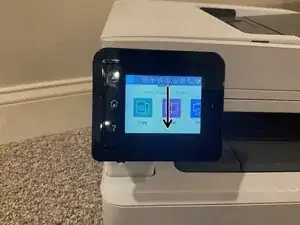
Turn on the dashboard and swipe down from the top.
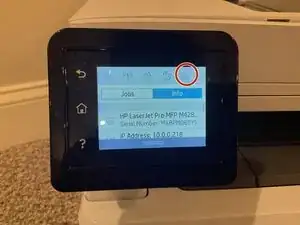
Click the toner button
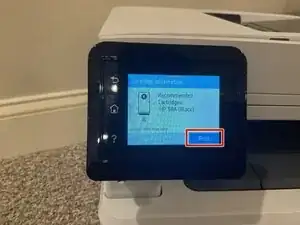
Click print
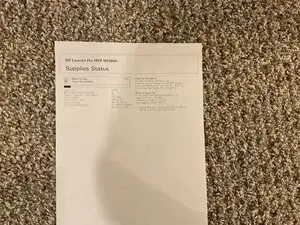
Make sure you have paper and toner in your printer
The test printer paper should come out like this
Thank you for completing my guide! 😃
Membro desde: 15/08/25
472 Reputação