Introdução
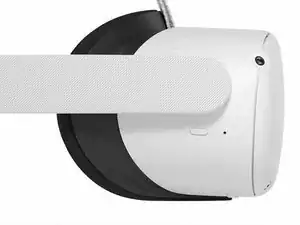
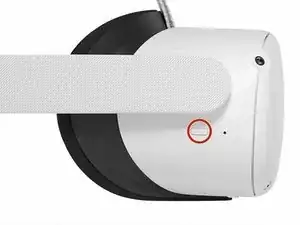
This guide shows how to fully turn off your Meta Quest 2. When your headset is turned off, it drains less battery than sleep mode and prepares it for repairs.
Conclusão
Click here for more Meta Quest 2 repair guides.

This step is too hard please clarify?
4 Frog -
This step is too confusing please clarify you &#@.
4 Frog -
Can't perform this step if your power button is bad and that's the entire reason why you're replacing it 😂😂
impicklerick83 -