Introdução
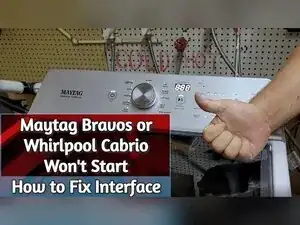
If the Maytag Bravos XL washer won’t power on, the Start button doesn’t respond, the buttons feel unresponsive, or the washer hangs and won’t begin a cycle (including getting stuck on sensing), moisture-related corrosion on the user interface contact pads can be the cause. This guide shows how to access the interface, inspect and clean the contact pads, optionally protect the board with a moisture barrier coating, and reassemble and test the washer.
Ferramentas


-
-
Use a screwdriver to remove the three screws on the back of the washer.
-
Remove the screw from the harness cover plate.
-
Remove the two screws from the retention pieces that let the top pivot.
-
-
-
Open the washer lid.
-
Pull the washer toward the front, lift up on the lid, and push it backward to engage the lid in the open position.
-
Let the lid pivot on the hinges where the retention screws were removed.
-
-
-
Use a large screwdriver or pliers to push the metal spring clips up into the lid and release the interface.
-
-
-
Roll the interface up to expose the control board and the underside of the interface.
-
Disconnect the harness connector from the control board.
-
Disconnect the connector on the interface if you need to work on that connection as well.
-
-
-
Use an alcohol prep pad to wipe the contact pads and remove dirt, grime, and residue.
-
Use a cotton swab to scrub the pad area more precisely if needed.
-
-
-
Dip a small brush into a silicone conformal coating and brush a light layer onto the electronics to create a moisture barrier.
-
Make sure you coat the areas that could be affected by moisture and steam.
-
-
-
Reconnect the interface wiring so the interface harness is hooked into both the control board and the interface.
-
Test the repair with the console still accessible to confirm the cleaning worked.
-
-
-
Roll the interface back into position and secure it by re-engaging the spring clips.
-
Close the lid and set the top back into its normal position on the hinges.
-
Use a screwdriver to reinstall the three rear screws in their original locations.
-
If the washer powers on and responds after cleaning the contact pads, moisture corrosion was likely the cause. Adding a conformal coating helps protect the pads from steam, water residue, and mineral buildup that can arc and short the contacts. If the washer still won’t respond after cleaning, drying, and reassembly testing, the interface board likely needs replacement.
