Introdução
This guide shows how to install the outer cover on your iFixit digital multimeter. It can be tricky to fully seat the cover properly, so this guide will show you how!
-
-
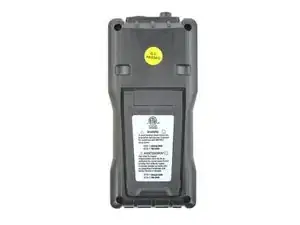
Flip the multimeter over.
-
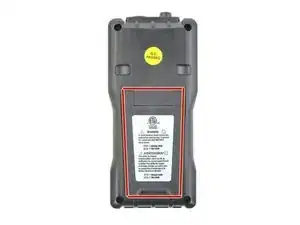
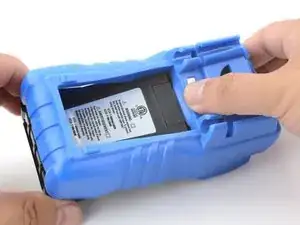
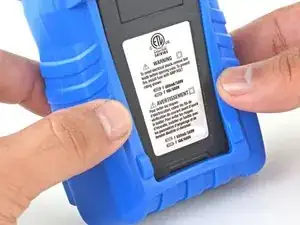
The cover has a lip that needs to seat into the groove around the multimeter's kickstand.
-
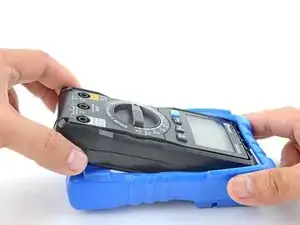
Align and press the cover lip into the groove above the kickstand.
-
-
-
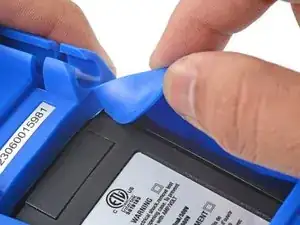
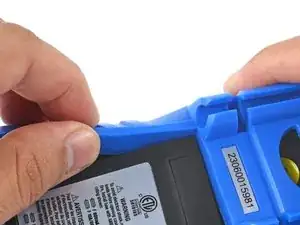
Lift and tuck the cover lip into the groove near the top right corner of the kickstand.
-
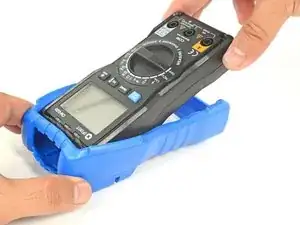
Repeat the procedure for the top left corner of the kickstand.
-
-
-
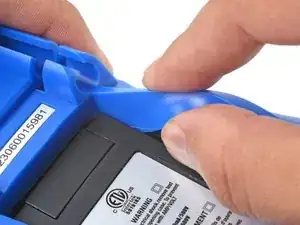
Guide and press the cover lip into the grooves along the sides of the kickstand.
-
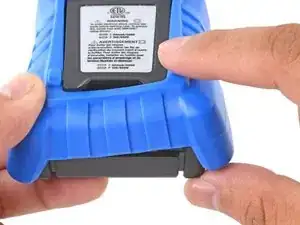
Pull the cover over the bottom edge of the multimeter and press the bottom lip into the groove under the kickstand.
-
Carefully check to make sure the cover lip sits completely in the groove around the kickstand.
-
-
-
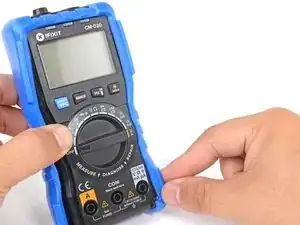
Flip the multimeter over so that the front is facing up.
-
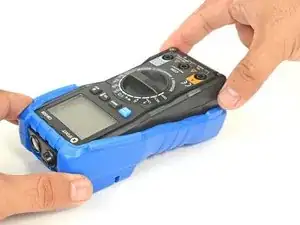
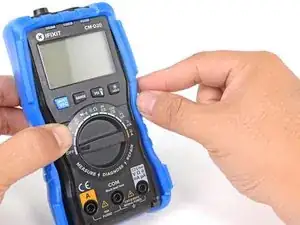
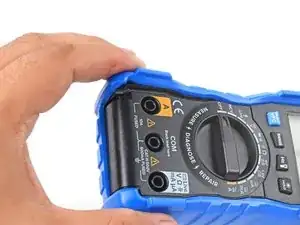
Squeeze the cover along the right edge to pop the cover lip into the groove along the side of the multimeter.
-
Repeat the process along the left edge of the multimeter.
-
Carefully check to make sure the cover is properly seated along the perimeter of the multimeter.
-
For more information on how to use your iFixit multimeter, check out this page.
