Introdução

This guide shows how to install the Handle for your Framework Desktop.

  1. buQfUWt4YdkEBwrT
    buQfUWt4YdkEBwrT
    Ugb1s4YtEPGxOXiO
    hBMeIxgHWIHKPdlL
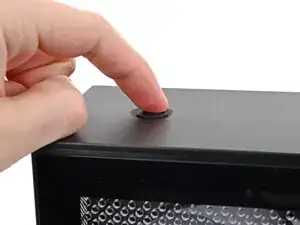
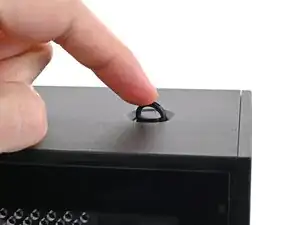
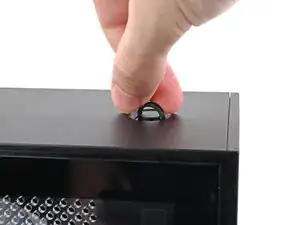
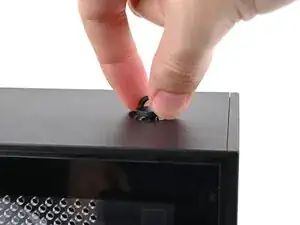
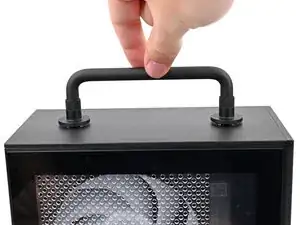
    • Use your finger to lift up the two D-rings on the Top Panel screws.

  2. WHiXG4IiwwZB6sf1
    WHiXG4IiwwZB6sf1
    AZpu4wwXItAAqxdM
    WXNqJdY3Cjwfrmvk
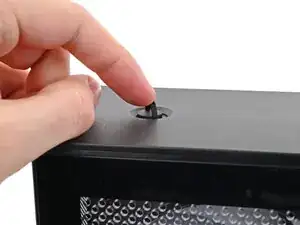
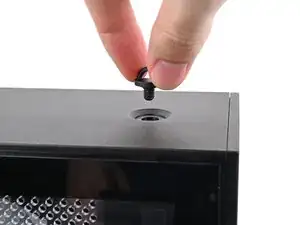
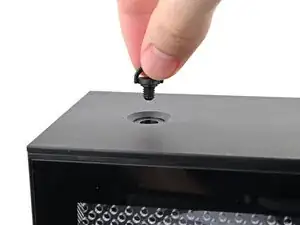
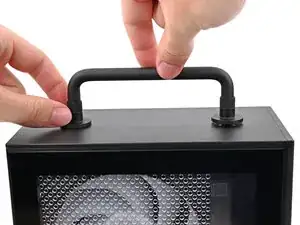
    • Use your fingers to twist the screw counter-clockwise and loosen it.

    • Remove the Top Panel screw.

  3. LcsRKYFaamw36IAn
    LcsRKYFaamw36IAn
    XZrurHLjITADMueL
    13BR4WoGFUuAvUSD
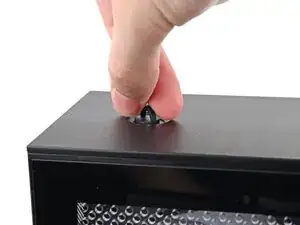
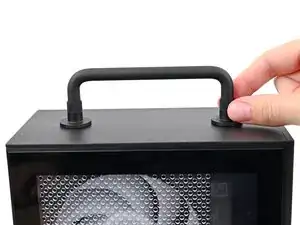
    • Repeat the same procedure for the other Top Panel screw.

  4. NQWnCDXICCCnPF4s
    NQWnCDXICCCnPF4s
    IiyMvrjTjVFJGdIa
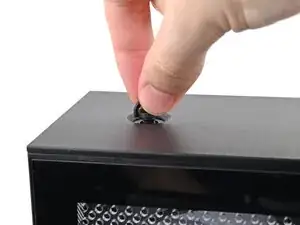
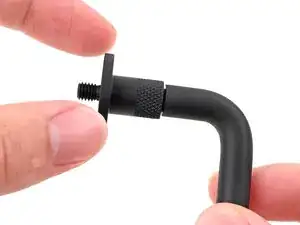
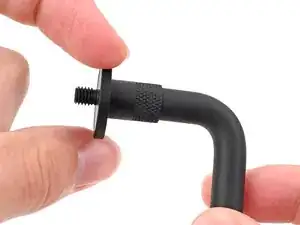
    • Rotate the screw threads on both sides counterclockwise to ensure they're as high up as they go. Otherwise, they might not install correctly.

  5. wSdDVXZrsXoRspHa
    wSdDVXZrsXoRspHa
    1Dnf4glg6aVhFiyT
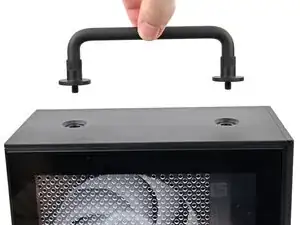
    • Place the Handle over the Top Panel screw holes.

  6. CnfPvLEqNB16sLup
    CnfPvLEqNB16sLup
    HSXyyoL4oOFPXTvQ
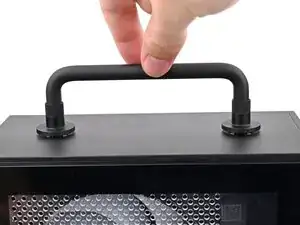
    • While holding the Handle in place, twist the screw threads on both sides clockwise until they're snug on the Top Panel.

Conclusão

If you need help, contact Framework support.

Alex Diaz-Kokaisl

Membro desde: 16/01/22

227430 Reputação

0 comentários