Introdução

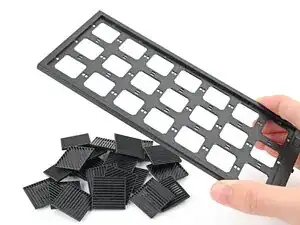
This guide shows how to install and remove the Tiles on your Framework Desktop.

The Tiles are mainly for decoration; they aren't necessary for your desktop to function.

The Front Panel can support up to 21 tiles.

  1. 1aGq23xvCOCuevPA
    1aGq23xvCOCuevPA
    w4WEehgnkDFJGKsU
    hKK5wZ5oi1Z3fYXo
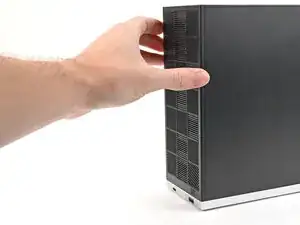
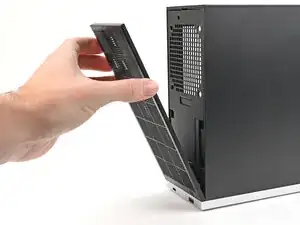
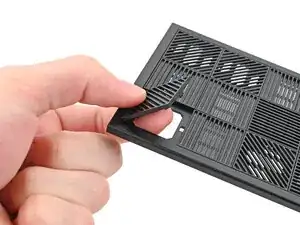
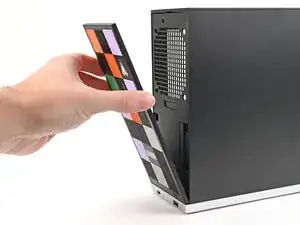
    • Use your fingers to pull the Front Panel off the magnets securing it to the chassis.

  2. GSOomX32aWDUOdf1
    GSOomX32aWDUOdf1
    AHSuIntJqIdimkoe
    GLDBXVdHtMVxriCo
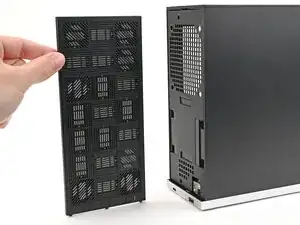
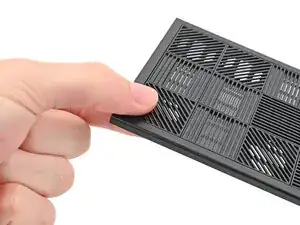
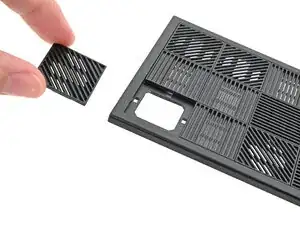
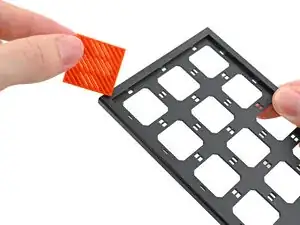
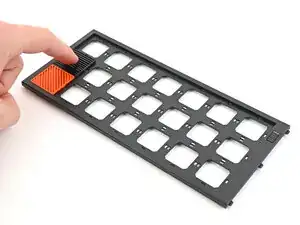
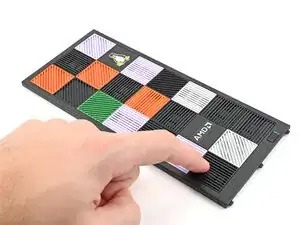
    • Use your fingers to push the bottom of the Tile up and off the front panel and release its clips.

    • Remove the Tile.

  3. NURYGdZGD2kuEkuc
    NURYGdZGD2kuEkuc
    TFZ5OJchhmoykpKF
    AKRm4GwjGuNnTsuW
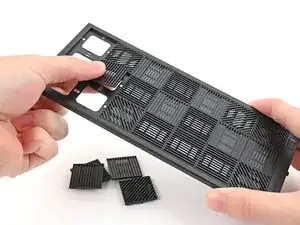
    • Repeat this procedure for the remaining tiles.

  4. DMn6a5cXvdNVpA5F
    DMn6a5cXvdNVpA5F
    hUVgBUFGDJcEW2AT
    OhnMIhHQUUmcMDgN
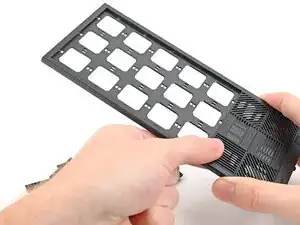
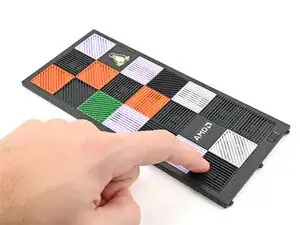
    • Tiles can be installed in any orientation, even the ones with graphics.

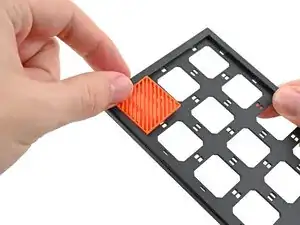
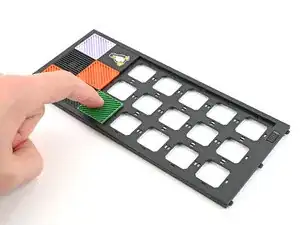
    • Lay a Tile over an open slot on your Front Panel.

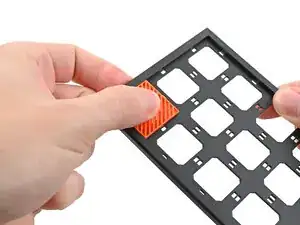
    • Use your fingers to press the tile into the slot and engage the clips.

    • You'll hear and feel an audible "click" when the clips engage.

  5. e3uNsGINNFJlOqHX
    e3uNsGINNFJlOqHX
    lBUCfBfBUBUyHaAp
    MV2LgC2HDXJj114R
    • Install the remaining Tiles.

  6. p4jYrHPqGWR3pLrU
    p4jYrHPqGWR3pLrU
    Mc6wbuXafTx3f4yO
    c33MjZ6AIEVcJQif
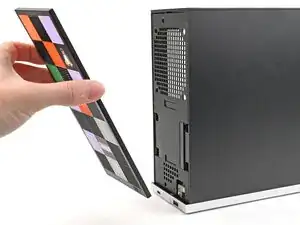
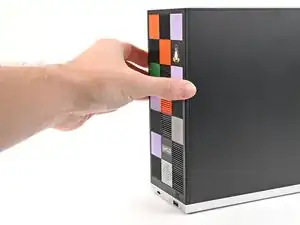
    • Lay the bottom of the Front Panel on the small, protruding lip in the silver base to align its tabs.

    • Press the Front Panel flat to the chassis and let it align to the magnets.

Conclusão

If you need help, contact Framework support.

Alex Diaz-Kokaisl

Membro desde: 16/01/22

227430 Reputação

0 comentários