Introdução
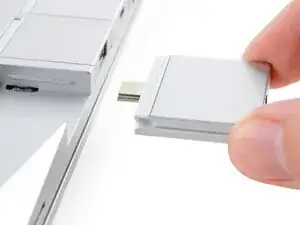
This guide shows how to install and remove Expansion Cards for your Framework Laptop 16.
The Expansion Cards are hot-swappable. You can install and remove them without turning off your laptop.
If you have the AMD Ryzen™ AI 300 Series, click here for information on Expansion Card compatibility.
If you have the AMD Ryzen™ 7040 Series, click here for information on Expansion Card compatibility.
Peças

-
-
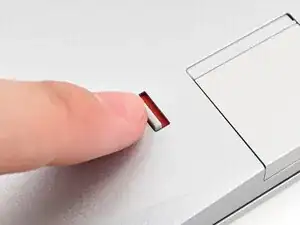
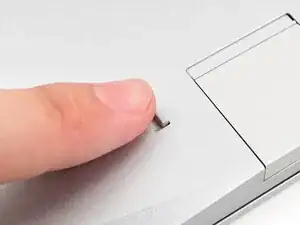
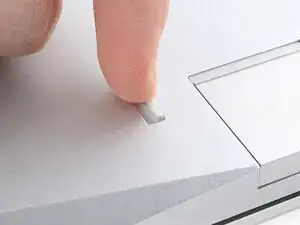
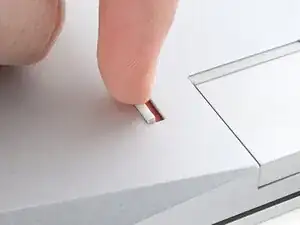
If there's a red bar showing under the Expansion Card latch, use your finger to flip the latch and lock the row of Expansion Cards above it.
-
-
-
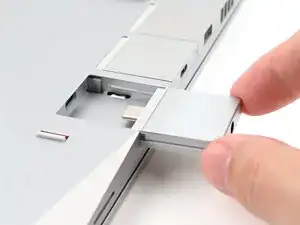
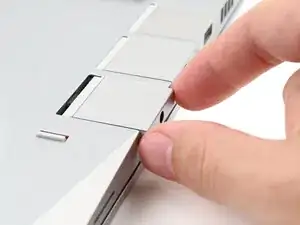
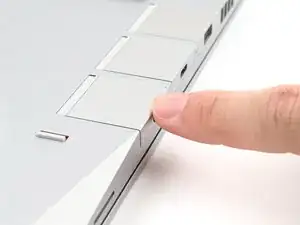
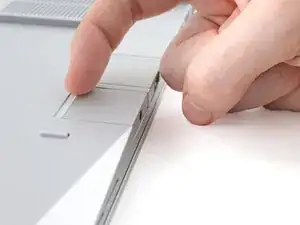
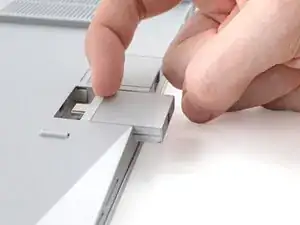
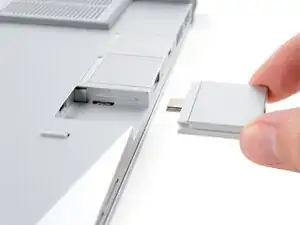
Grip the lip of the Expansion Card with your fingers.
-
Pull the Expansion Card out of its slot and remove it.
-
Conclusão
If you need help, contact Framework support.
