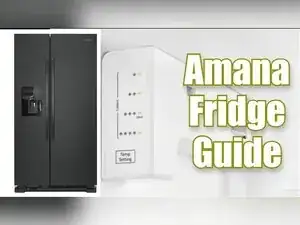
Introdução
Use this guide to manually start the Forced Defrost mode when thick frost covers the evaporator or the fresh-food section stops cooling because of ice buildup. The procedure lets you temporarily power the defrost heater without waiting for the automatic cycle, clearing ice so the refrigerator can breathe and cool normally again.
-
-
Open the fresh-food door and look at the upper left corner on the right-hand wall.
-
Find the temperature select button on the small control panel and the spring-loaded door switch beside the light housing.
-
-
-
Within 30 seconds of restoring power, press the temperature select button until only the single top LED is lit.
-
-
-
Press and hold the door switch with one hand to mimic a closed door.
-
While holding the switch, press and hold the temperature select button for about five seconds.
-
-
-
Allow the lights to go dark after about 10 seconds; the board is now waiting for test selections.
-
-
-
Press the temperature select button once, wait roughly three seconds, press it a second time, wait, then press it a third time.
-
After the third press the defrost heater energizes, placing the unit in Forced Defrost mode.
-
-
-
Press the temperature select button once to shut the heater and service LEDs off when defrosting is complete or no longer needed.
-
Wait three seconds, then keep pressing the button until no service LEDs are lit to resume standard cooling control.
-
Forced Defrost mode melts heavy frost quickly and restores airflow without waiting for an automatic cycle. Always exit service mode after the ice clears so the refrigerator can cool normally.
