Introdução
Keeping your Samsung WF5M5100AW washing machine in top condition is essential for its performance and longevity. One important maintenance task is cleaning the filters, which helps prevent clogs, improves water drainage, and ensures efficient operation. In this tutorial, we'll guide you through 8 simple steps to clean your washer filter to keep it at its best performance.
Ferramentas

-
-
Unplug your washer.
-
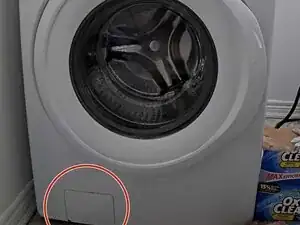
The washer filter panel is located on the bottom left side of the washer.
-
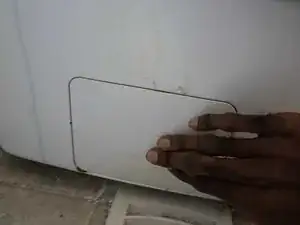
Remove the panel by pressing it once.
-
-
-
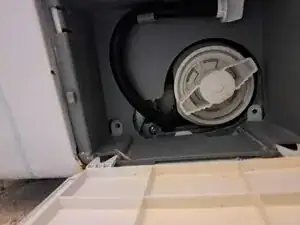
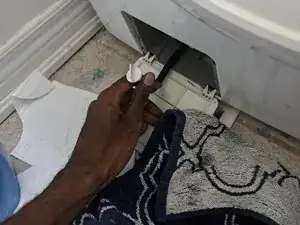
Inside the panel near the top of the filter, there is a black hose with a cap. Pull the top part of the hose out, making sure the top is facing up.
-
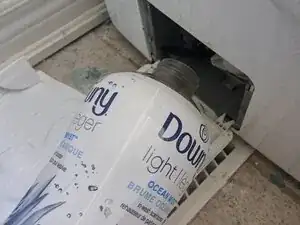
Place some paper towels or rags under the cap to catch any water that may spill out.
-
Remove the cap and drain the water into an empty container.
-
Place the cap back on and snap the hose back into the place where you originally found it.
-
-
-
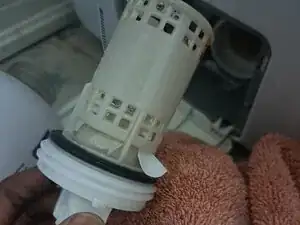
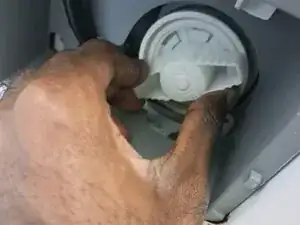
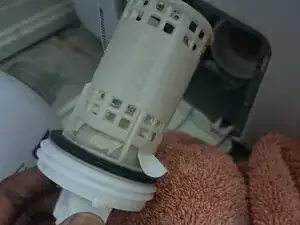
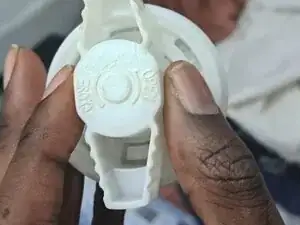
Remove the filter by grabbing hold of the handle and turning it counterclockwise.
-
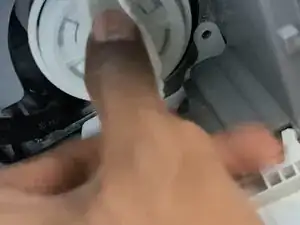
Pull the filter out.
-
-
-
Clean the filter with dish soap and hot water.
-
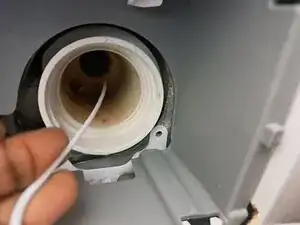
Check for any small items and remove objects by hand if needed.
-
-
-
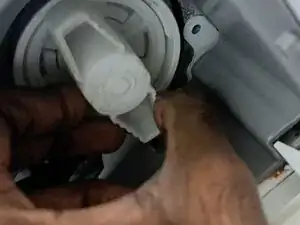
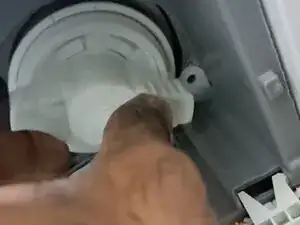
Place the clean filter back inside the washer and turn it clockwise until it's fully seated.
-

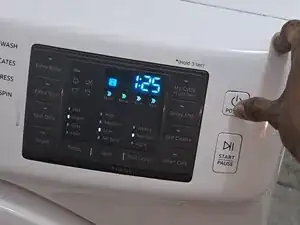
Your washer's filter is clean and ready to catch more debris.

Um comentário
Tried all steps. Still same makes click noise when spins but doesn’t spin fully and stops