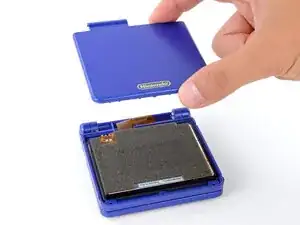
Introdução
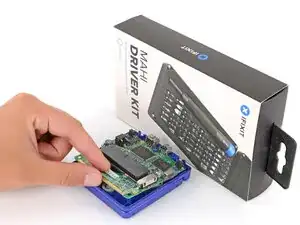
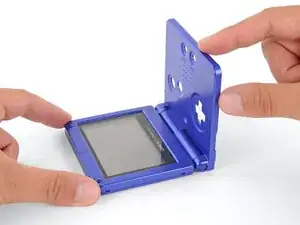
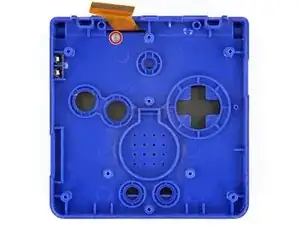
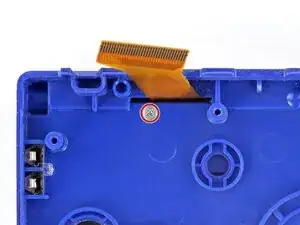
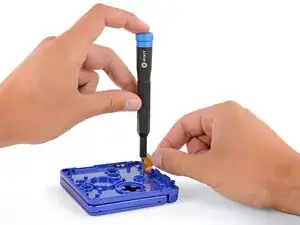
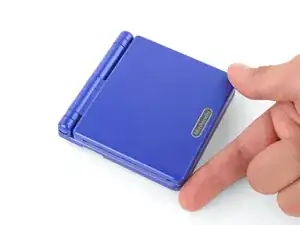
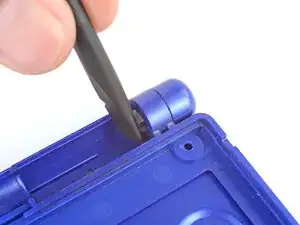
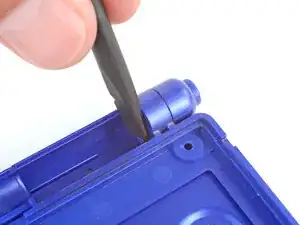
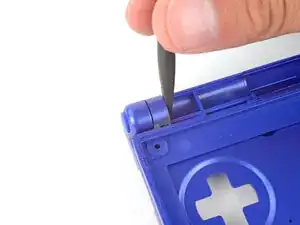
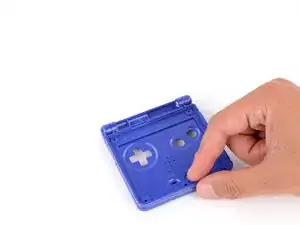
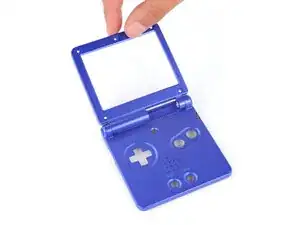
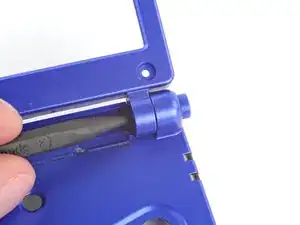
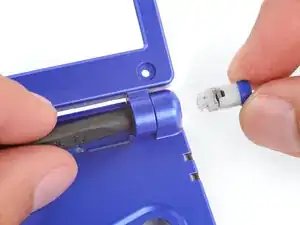
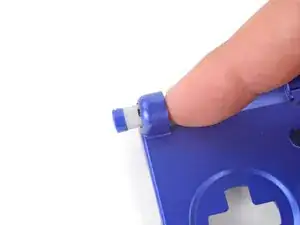
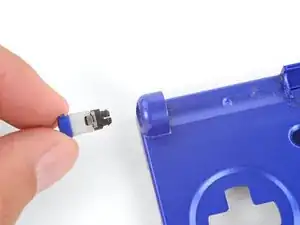
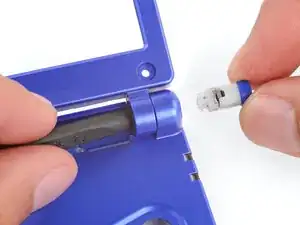
This guide shows how to remove the hinges in your Nintendo Game Boy Advance SP.


-
-
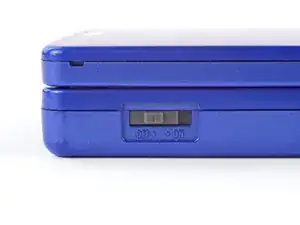
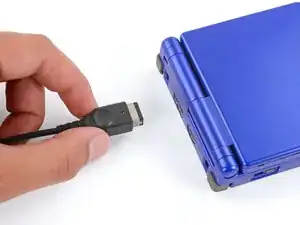
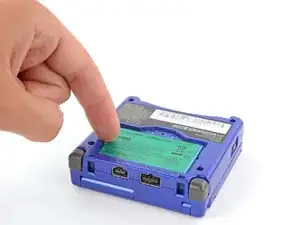
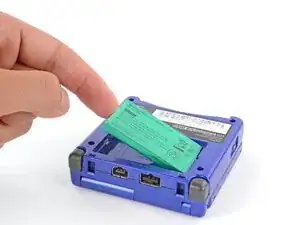
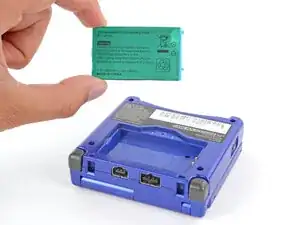
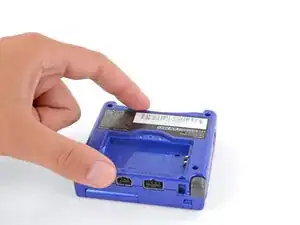
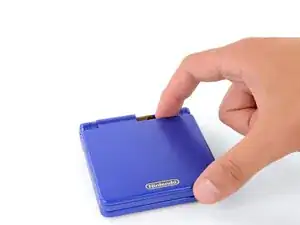
Slide the power switch to the OFF position and unplug any cables.
-
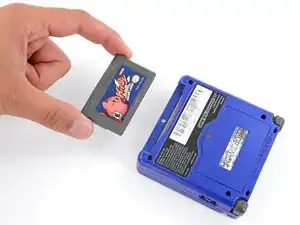
If you have a game cartridge in, remove it.
-
-
-
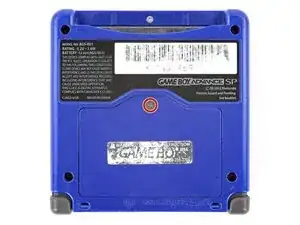
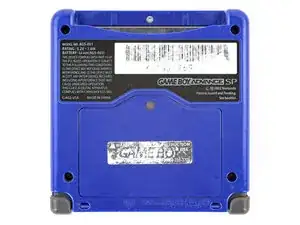
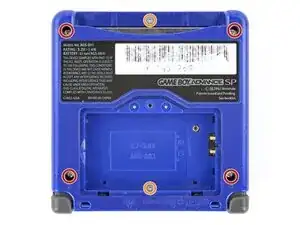
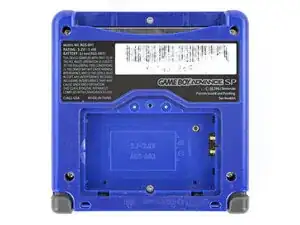
Use a tri‑point Y0 screwdriver to remove the six screws securing the bottom shell:
-
Four 6.3 mm‑long recessed screws
-
Two 4.6 mm‑long screws
-
-
-
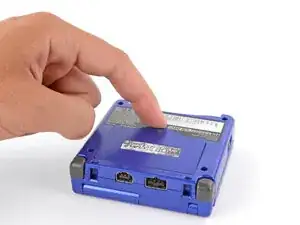
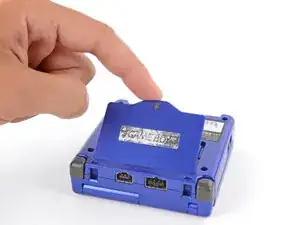
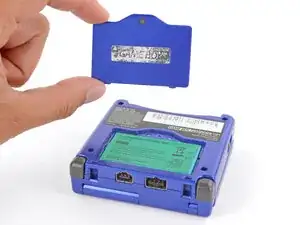
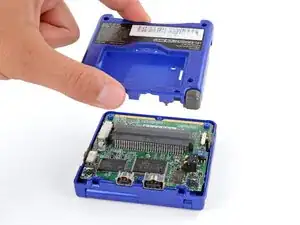
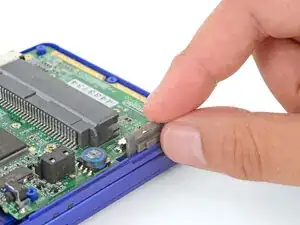
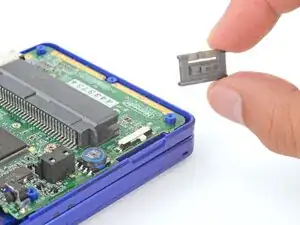
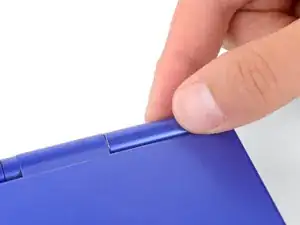
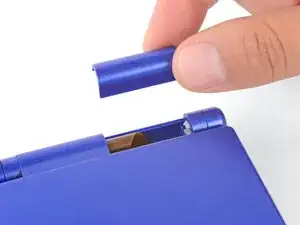
Use your fingers to lift and remove the power switch cover.
-
Use your fingers to put the power switch cover (notched side up) into place so the cutout goes around the actual switch.
-
Gently slide the cover back and forth to make sure it's positioned properly and moving the switch.
-
-
-
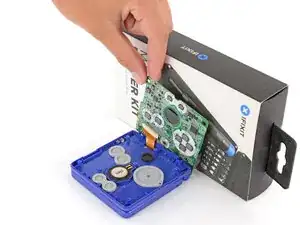
Place a sturdy object such as a stack of books or tool case along the edge of your Game Boy with the hinges.
-
Use your fingers to gently flip the motherboard over the hinges and prop it up.
-
-
-
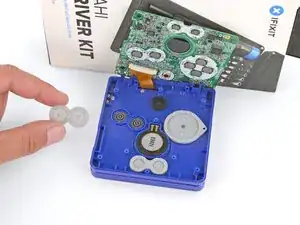
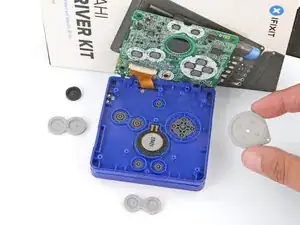
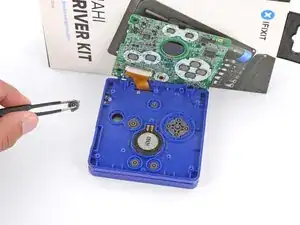
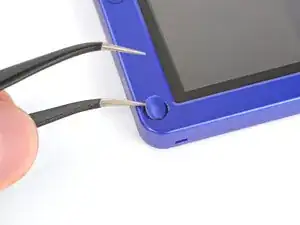
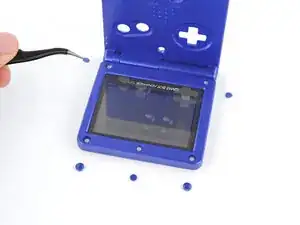
Use tweezers or your fingers to remove the four silicone pads covering the buttons (A and B, D‑pad, brightness, and Start/Select).
-
-
-
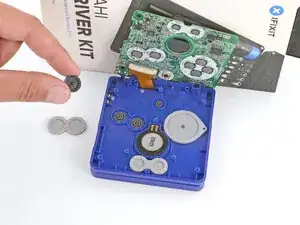
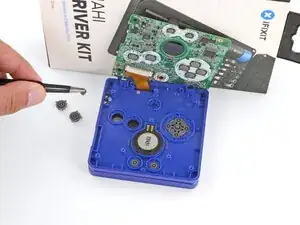
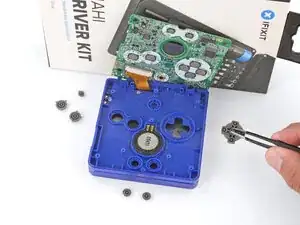
Use tweezers or your fingers to remove the buttons (A and B, D‑pad, brightness, and Start/Select).
-
-
-
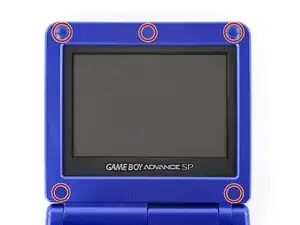
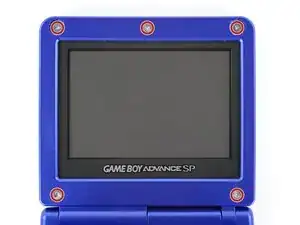
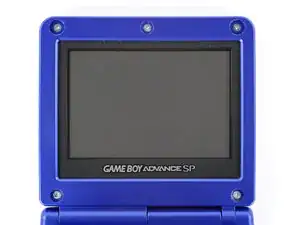
Use a tri‑point Y0 screwdriver to remove the five 4.7 mm‑long screws securing screen shells together.
-
-
-
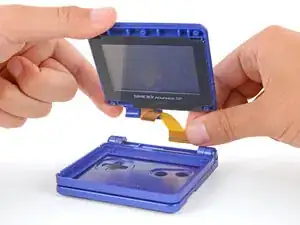
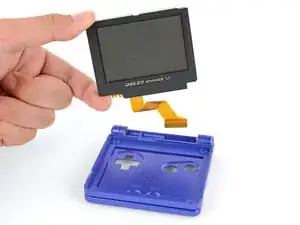
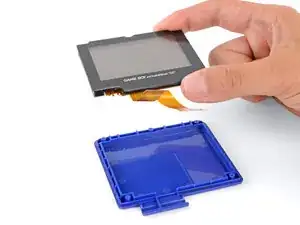
Use your fingers to lift and remove the screen, threading the cable through its cutout.
-
Place the screen foam-side up into its recess, so the cable is near the hinges.
-
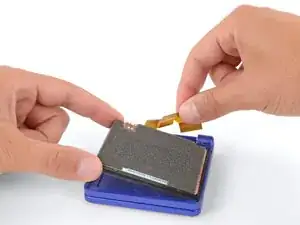
Make one loop in the screen cable and then slide it through the cutout.
-
-
-
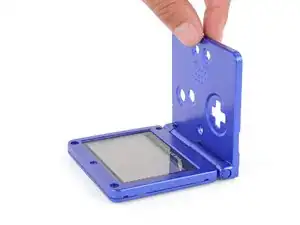
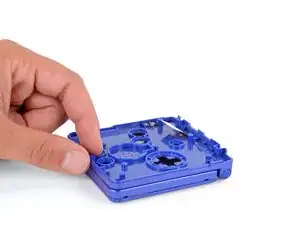
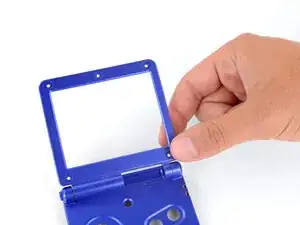
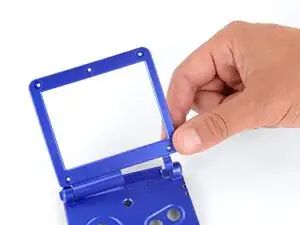
Use your fingers to gently lift the right side of the screen bezel.
-
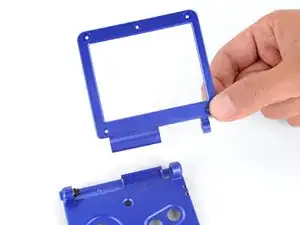
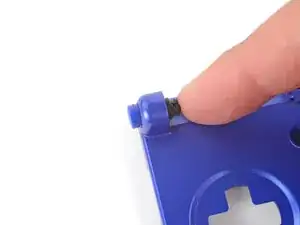
Pull the screen bezel to the right—so it slides out of the left hinge—and remove it.
-