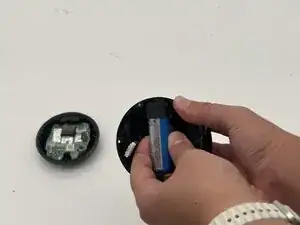
Introdução
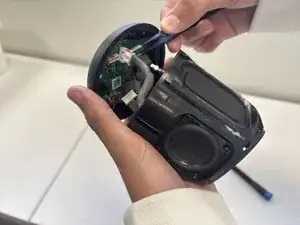
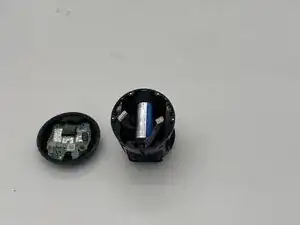
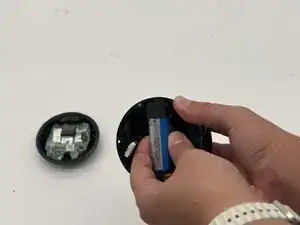
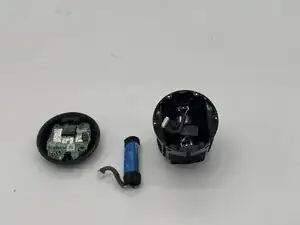
This guide will teach you how to replace or reconnect the wire ring of the battery in the Heyday Wireless Speaker 0574. A faulty battery can lead to a lack of power or audio cuts during use, so it's important to make sure it's connected properly or replaced if needed.
The Heyday Wireless Speaker is a compact Bluetooth speaker powered by a built in rechargeable battery. Over time, common issues such as diminishing battery life, audio distortion, or unresponsive controls can arise. By opening up the speaker and taking a look at the battery, you'll be able to diagnose and fix these problems, or replace the part
Safety and Preparations
- Make sure the speaker is powered off and disconnected from any charger before you begin
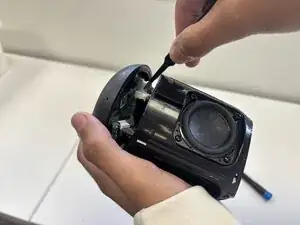
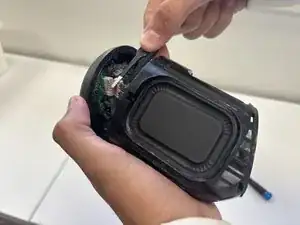
- Be carful around fragile parts and connectors when removing the cover. For example, there's a cable attaching the grille or plastic shell to the motherboard.
- Cutting the speaker's mesh netting cannot be undone, so take that into considerations when going through with this guide.
- If you're working near or with a battery, use caution; lithium-ion batteries can be dangerous if punctured or bent.


-
-
Use the a Phillips #1 screwdriver to remove the five 8 mm-long screws located on the bottom of the speaker.
-
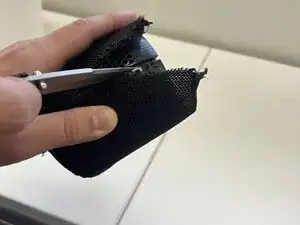
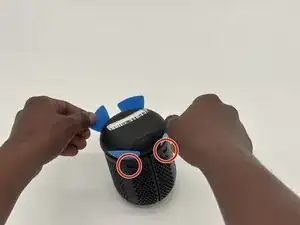
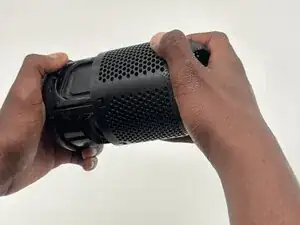
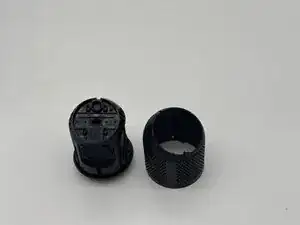
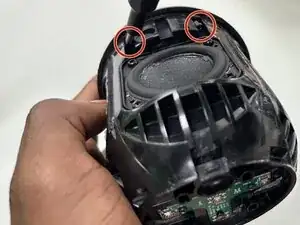
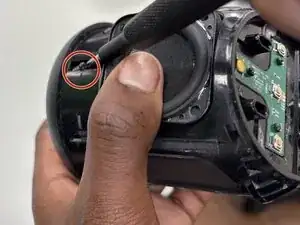
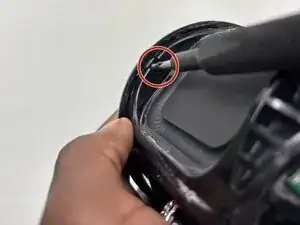
To reassemble your device, follow the above steps in reverse order.
For optimal performance, after completing this guide, calibrate your newly installed battery.
Take your e-waste to an R2 or e-Stewards certified recycler.
Repair didn’t go as planned? Try some basic troubleshooting or ask our Answers community for help.