Introdução
Ferramentas


-
-
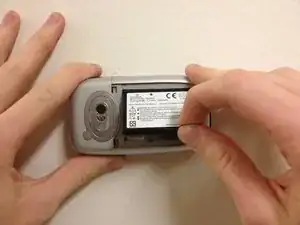
To expose the battery, remove the outer case with your fingernail.
-
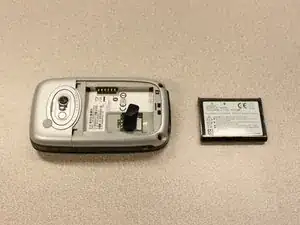
Remove the battery by pulling the black tab.
-
-
-
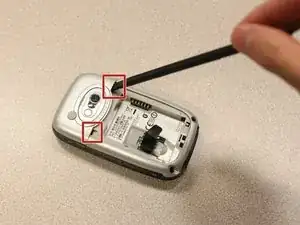
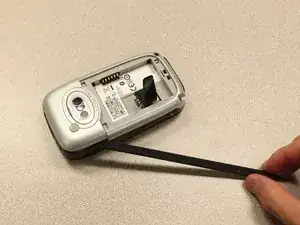
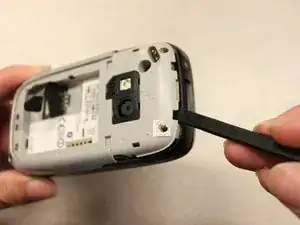
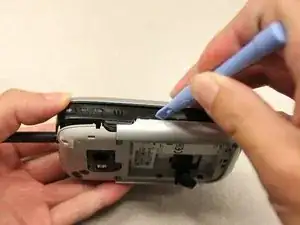
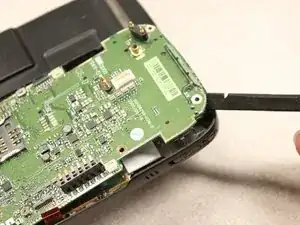
Insert the flat end of an iFixit opening tool between the side and inner covers to create a gap.
-
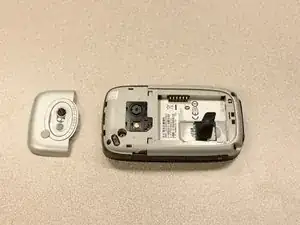
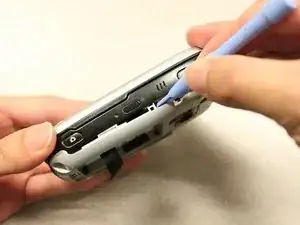
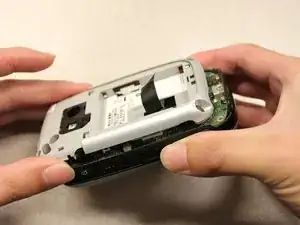
Work the tool around the edges until all the clips release.
-
-
-
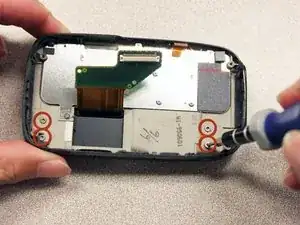
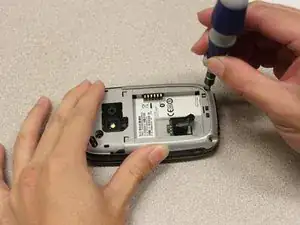
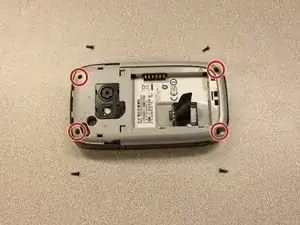
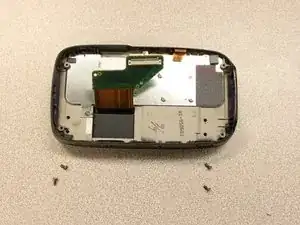
Remove the four 5mm screws with the T5 Torx screwdriver.
-
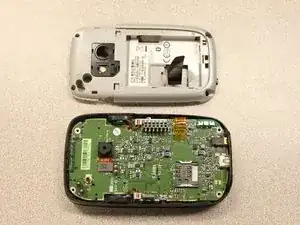
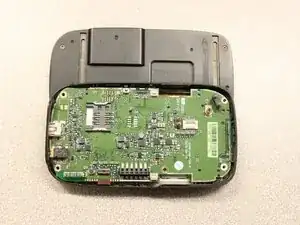
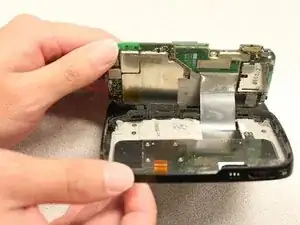
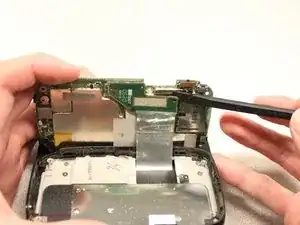
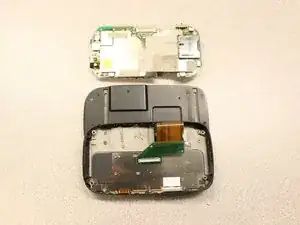
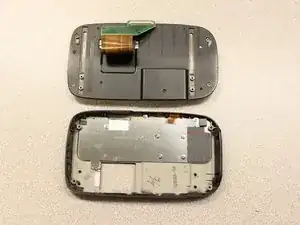
Remove the keyboard slider from the main body.
-
Conclusão
To reassemble your device, follow these instructions in reverse order.
