Introdução
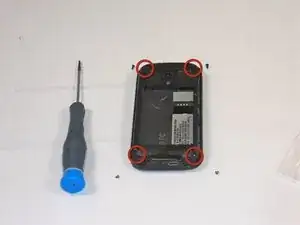
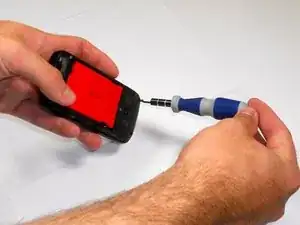
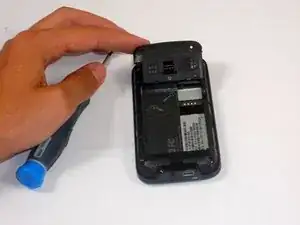
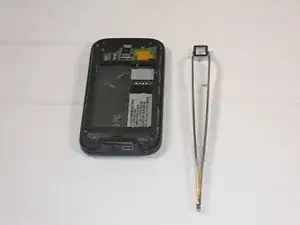
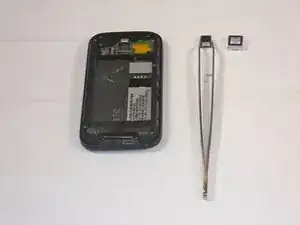
If your HTC Touch Pro 2 Camera isn’t turning on, a possible issue may be with the camera lens. Follow this guide to learn how to replace your HTC Touch Pro 2 Camera. After the lens is replaced the quality of picture should be restored to its original state. This guide requires a T5 screwdriver and some tweezers.
Use caution when replacing the lens if the glass of the lens is shattered to avoid injury.
Ferramentas


-
-
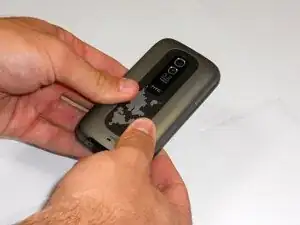
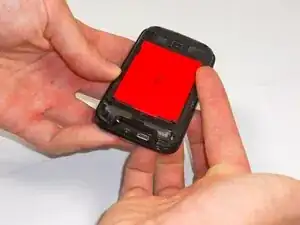
Apply pressure and slide upward to remove back cover.
-
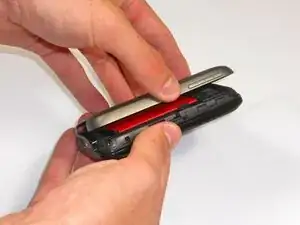
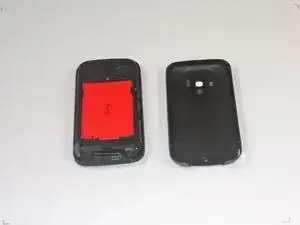
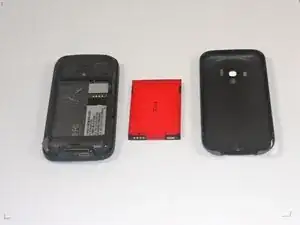
Lift the back cover up away from the phone.
-
-
-
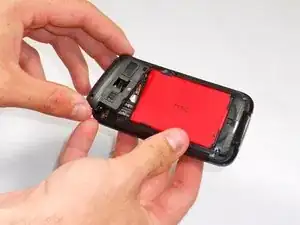
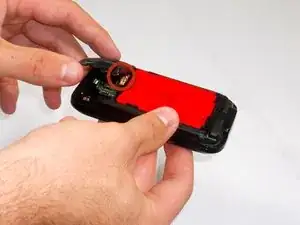
Lift battery upward on the upper right-hand side to remove it.
-
Check the battery to make sure there's no bent corners.
-
Conclusão
To reassemble your device, follow these instructions in reverse order.
