Introdução
If the battery in your HTC Touch Pro 2 is not charging correctly, losing power quickly, or is damaged then it is time for a replacement. This guide would replace the battery for the HTC Touch Pro 2 to work at an improved pace.
-
-
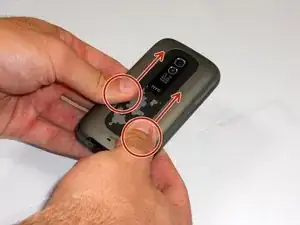
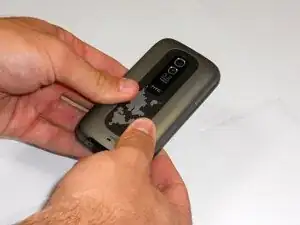
Apply pressure and slide upward to remove back cover.
-
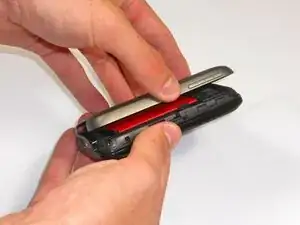
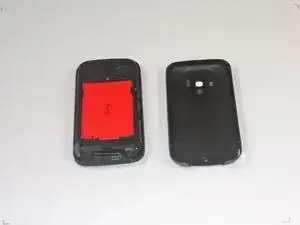
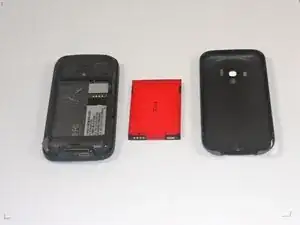
Lift the back cover up away from the phone.
-
-
-
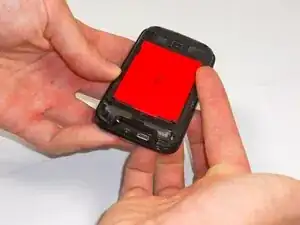
Lift battery upward on the upper right-hand side to remove it.
-
Check the battery to make sure there's no bent corners.
-
Conclusão
To reassemble your device, follow these instructions in reverse order.
