Introdução
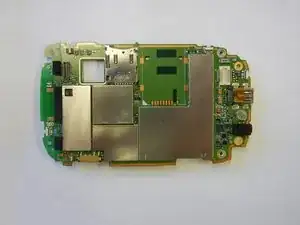
If your HTC Touch isn't powering on, freezing, or showing display issues, the motherboard may need a replacement. This guide will walk you through each step of removing and replacing the motherboard safely. With a few simple tools and careful handling, you can restore your device to its former glory without a costly repair shop visit.
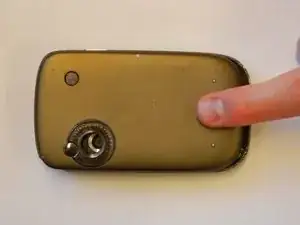
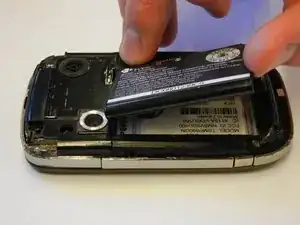
Be sure to power off your device, remove the battery, and ground yourself before beginning to prevent static damage!
Ferramentas


-
-
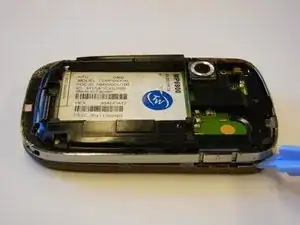
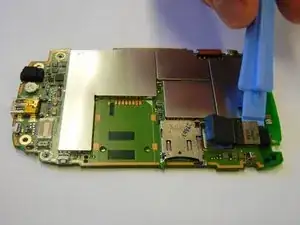
Use the plastic opening tool to remove the front panel from the phone.
-
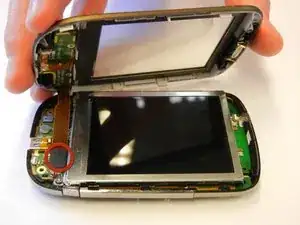
Unplug the front button cable from the inside of the phone.
-
-
-
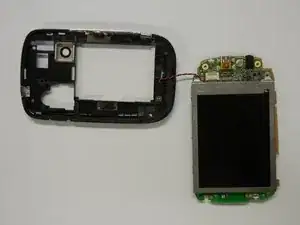
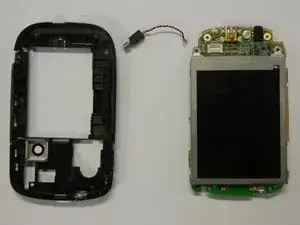
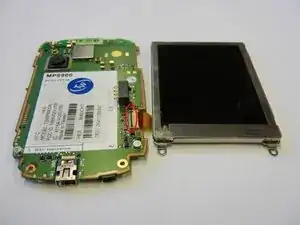
Separate the motherboard from the black plastic casing.
-
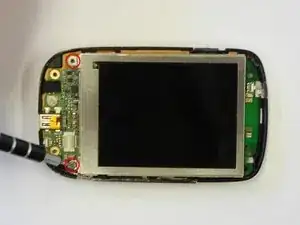
Unplug the black and red wire from the motherboard.
-
Unplug the black and red wire from the black plastic casing.
-
To reassemble your device, follow these instructions in reverse order.
