Introdução
Use this guide to remove the SIM card tray in order to replace your SIM card.
Ferramentas

-
-
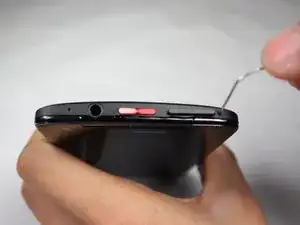
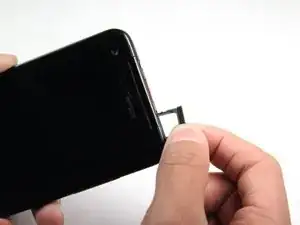
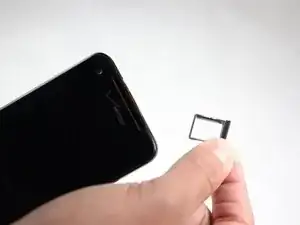
Poke a paperclip into the hole to the right of the SIM Card Tray. The SIM Card Tray will automatically pop out.
-
Conclusão
To reassemble your device, follow these instructions in reverse order.